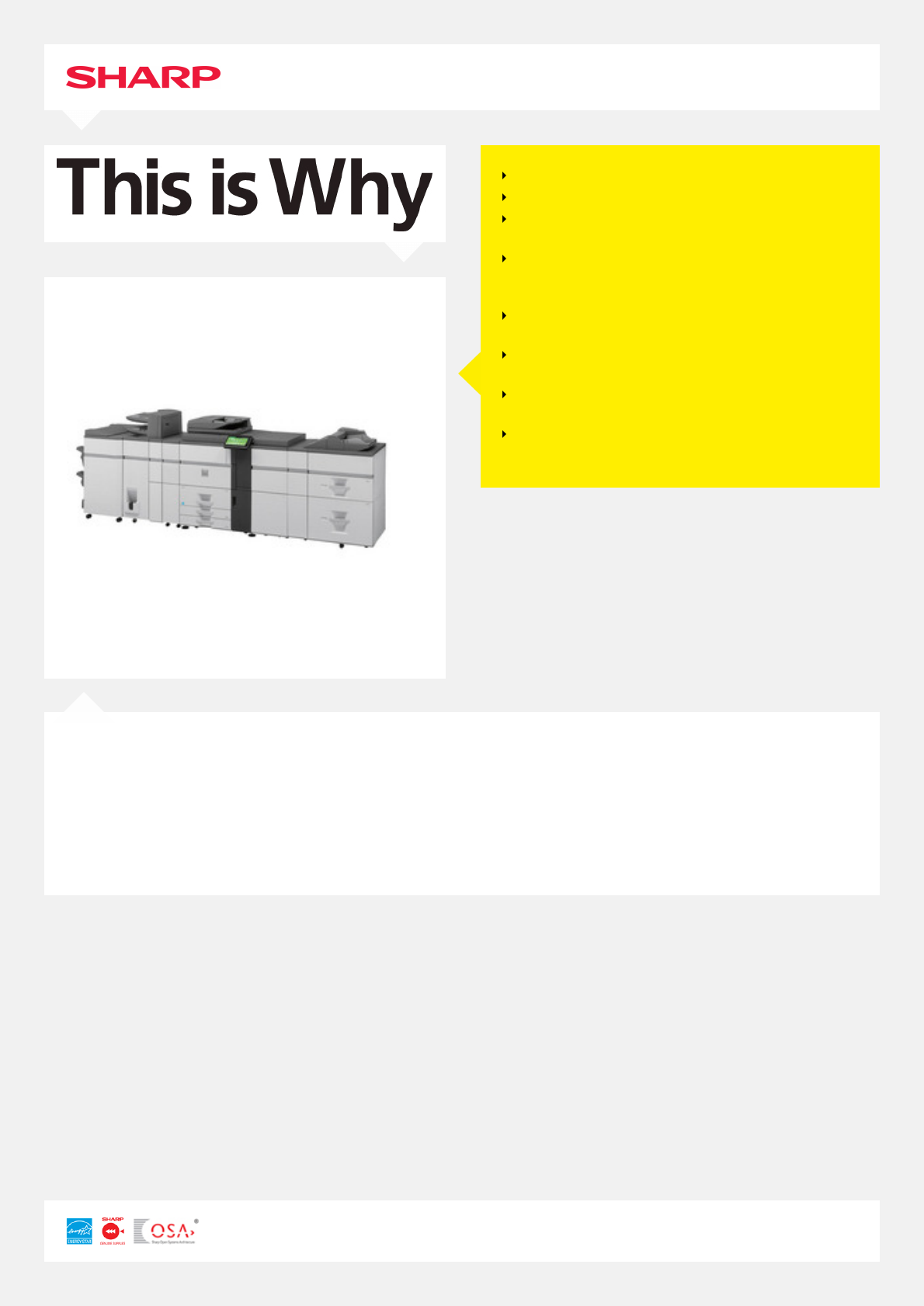
Sharp MX-7040N Manuale Utente

Navigare online o scaricare Manuale Utente per Lettori Blu-Ray Sharp MX-7040N. Sharp MX-7040N User Manual Manuale Utente

  • Scaricare
  • Aggiungi ai miei manuali
  • Stampa
  • Pagina
    / 2
  • Indice
  • SEGNALIBRI
  • Valutato. / 5. Basato su recensioni clienti
Vedere la pagina 0
MX-7040N
PRINT, COPY, SCAN, FAX, FILE
PAGES PER MINUTE: 70 B/W 70 COLOUR
PAPER CAPACITY: STD 3100 MAX 8500
SHEETS
HIGH SPEED, HIGH VOLUME PRODUCTIVITY
WITH A WIDE RANGE OF PROFESSIONAL
FINISHING OPTIONS
LARGE TILTABLE 10.1” COLOUR LCD PANEL
WITH FINGER SWIPE TOUCH CONTROL
SUPERIOR IMAGE QUALITY WITH DEVELOPER
REFRESH SYSTEM
WEB BROWSING OPTION FOR ACCESS TO
INTERNET DIRECTLY FROM MFP PANEL
INDUSTRY-LEADING SECURITY SOLUTIONS FOR
ULTIMATE DATA/DOCUMENT PROTECTION
The MX-7040N is a fast and versatile high volume A3 colour MFP designed for the light production environment that requires
professional finishing. Capable of up to 70 pages per minute in colour and black & white with true 1200 x 1200 dpi resolution,
fast 75 opm scan speed and standard 150 sheet DSPF, this MFP delivers all the quality, performance, flexibility and reliability
you need. Features such as the large colour touch-screen with finger-swipe technology, extra-large paper capacity and
intermediate toner hopper - perfect for long runs and continual use during toner replacement, an impressive range of high
volume professional finishing options, document management features and standard multi-layered data security, makes the
MX-7040N perfect for anyone who’s serious about creating professional looking documents in-house with effortless operation
and ease-of-use.
Vedere la pagina 0
1 2

Sommario

Pagina 1 - MX-7040N

MX-7040NPRINT, COPY, SCAN, FAX, FILEPAGES PER MINUTE: 70 B/W 70 COLOURPAPER CAPACITY: STD 3100 MAX 8500SHEETSHIGH SPEED, HIGH VOLUME PRODUCTIVITYWITH

Pagina 2 - STOCKLEY PARK

GENERALEngine speed Colour ppm (A4): 70Engine speed B/W ppm (A4): 70Engine speed Colour ppm (A3): 35Engine speed B/W ppm (A3): 35Paper size: Max.-

Commenti su questo manuale

Nessun commento