Sharp KB-3401L Manuale Utente
Navigare online o scaricare Manuale Utente per Microonde Sharp KB-3401L. Sharp KB-3401L User's Manual Manuale Utente
- Pagina / 40
- Indice
- SEGNALIBRI

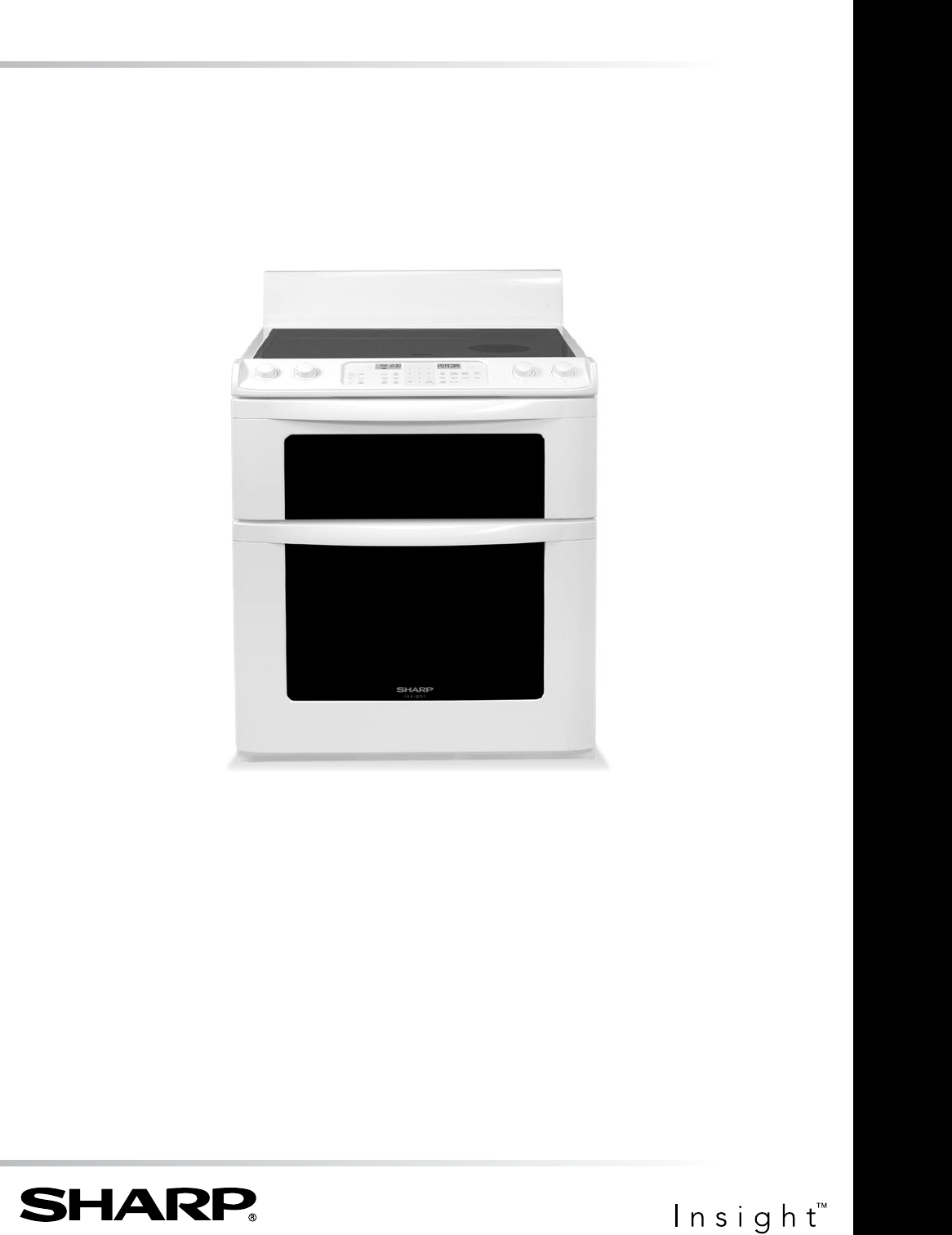
- KB-3401L 1
- CONTENTS 2
- TO EXCESSIvE MICROWAvE ENERGY 3
- CONSUMER LIMITED WARRANTY 4
- PRODUCT INFORMATION CARD 4
- RADIANT SURFACE UNITS 5
- SAVE THESE INSTRUCTIONS 7
- PARTS NAME 10
- BEFORE OPERATING 12
- INFORMATION YOU NEED TO KNOW 13
- SMALL LARGE 14
- 0. ON will 14
- FOOD DO DON’T 16
- MICROWAVE DRAWER COOKING 17
- FOOD AMOUNT PROCEDURE 19
- 2 for steaks/chops 20
- OVEN COOKING-REGULAR 23
- OVEN COOKING-CONVECTION 26
- Touch START pad 28
- OTHER FEATURES 30
- NON-COOKTOP SURFACES 32
- MICROWAVE DRAWER 33
- OVEN 33
- REMOVE AND REPLACE OVEN DOOR 33
- OVEN RACKS 34
- ROAST/BROIL RACK 34
- OVEN LIGHT REPLACEMENT 34
- TO REPLACE THE LIGHT BULB 34
- BEFORE YOU CALL FOR SERVICE 35
- 2 for 2 rolls or muffins 39
- PRINTED IN USA 40
- 2 pad and 40
Sommario
ElEctric rangE With MicroWavE DraWErOPERATION MANUALMODELKB-3401LFollowed by indicating color: K = black, W = white, S = stainless steel CONTENTS ...
10PARTS NAMEEZ PULL OVEN RACK INSTRUCTIONSThe EZ Pull Oven Rack makes it easy and convenient to place food in and remove food from the lower oven. It
HI HILOMED MEDLOSMALL LARGEOFFCooktopHILOMEDOFFHILOMEDOFFHILOMEDOFFCooktop11GLASS CERAMIC COOKTOPKEYSHEET30 24,25MicrowaveNumbers next to the keysheet
12BEFORE OPERATINGBefore operating your new range make sure you read and understand this operation manual completely.• Before the range can be used,
13INFORMATION YOU NEED TO KNOWABOUT THE COOKTOP • Glass ceramic cooktop - Make sure the surface and the pan bottom are clean before turning o
HI HILOMED MEDLOSMALL LARGEOFFCooktopHILOMEDOFFHILOMEDOFFHILOMEDOFFCooktop14COOKTOP USERADIANT SURFACE UNITSSurface units are turned on and adjusted u
15MICROWAVE DRAWER COOKING• Check for doneness. Look for signs indicating that cooking temperatures have been reached. Doneness s
16need tenderizing. DO NOT use metal twist ties. Remember to slit bag so steam can escape.How to use aluminum foil in your Microwave Drawer:• Small f
17MICROWAVE DRAWER COOKINGTIME COOKINGYour Microwave Drawer can be programmed for 99 minutes 99 seconds (99.99). Always enter the seconds after
18MICROWAVE DRAWER COOKINGSENSOR COOK1 Touch Sensor Cook pad once. SEE LABEL SELECT FOOD NUMBER2 See Menu Label. Select desired food by touching numb
19MICROWAVE DRAWER COOKINGSENSOR COOK CHART (CONT.)FOOD AMOUNT PROCEDURE2 Fresh vegetables: hard Carrots, sliced Corn on the cob Green beans
CONTENTS2CONTENTS ...2CUSTOMER ASSISTANCE ...3PRECAUTIONS TO AV
20MANUAL DEFROSTIf the food that you wish to defrost is not listed on the DEFROST CHART or is above or below the limits in the AMOUNT colu
21REHEAT CHARTFOOD AMOUNT PROCEDURE1 Fresh rolls/muffins 1 - 8 pcs Use this pad to warm rolls, muffins, biscuits, bagels etc. Large items should be c
22MULTIPLE SEQUENCE COOKINGYour Microwave Drawer can be programmed for up to 4 automatic cooking sequences, switching from one power level
23OVEN COOKING-REGULARINFORMATION YOU NEED TO KNOW• Be sure all packing material is removed from oven before turning on.• Oven vent location - T
24FOOD RACK POSITIONRoasting poultry 1Roasting meats 1Baking on 2 racks at the same time 1 & 3 Note:• Follow package instructions and recipe ti
25OVEN COOKING-REGULARREGULAR BROILING CHARTFOOD AMOUNT DONENESS BROIL SETTINGSHELF POSITION FROM BOTTOMFIRST SIDE TIME (MIN.)SECOND S
26OVEN COOKING-CONVECTIONCONVECTION COOKINGThe Convection settings use heaters on the top and bottom of the oven as well as a rear heater located behi
27OVEN COOKING-CONVECTIONCONVECTION BAKING CHARTFOOD RACK POSITIONTEMERATURE Compared with usually recom-mended in reci
28OVEN COOKING-CONVECTIONCONVECTION ROASTUse the broiler pan, grid and roast/broil rack. The roast/broil rack enables the heated air to circulate on
29CONVECTION BROILUse the broiler pan, grid and roast/broil rack. The roast/broil rack enables the heated air to circulate on all sides of the foods e
CUSTOMER ASSISTANCETo aid in reporting this electric range, please record below the model number and serial number located on the unit. We also sugg
30HOW TO START SELF-CLEANRemember to allow time for the oven to cool down and the oven door to unlock (approx. 1 hour) if you are planning to use the
31OTHER FEATURES2 Touch Setup/Custom Help pad again. SOUND OFF ? TOUCH START 3 Touch START pad. The display shows SOUND OFF TO RESTORE SOUND1 Touch
32CLEANING AND CAREBefore cleaning any part of the range, be sure all controls are turned OFF and all surfaces are cool.NON-COOKTOP SURFACESEXTERIORTh
33CLEANING AND CARE• Cookware with rough bottoms can mark or scratch the cooktop surface.• Do not use a dull or nicked blade. Be sure to use
34CLEANING AND CAREOVEN RACKSClean with soap and water, rinse and polish dry.To remove stubborn soil, use an abrasive cleanser or steel wool. After c
35BEFORE YOU CALL FOR SERVICEPlease check the following before calling for service. It may save you time and expense.PROBLEM POSSIBLE CAUSE SOLUTION 1
36BEFORE YOU CALL FOR SERVICEPROBLEM POSSIBLE CAUSE SOLUTION14 Lower oven will not open.• Lower oven door is locked. • See page 31 to unlock oven
37NOTES
NOTES38
AUTO-TOUCH GUIDEFor more complete information and safety precautions, refer to your Operation Manual.SET CLOCK 1Touch Timer/Clock pad and number 2.2To
CONSUMER LIMITED WARRANTY4The Product Information Card should be completed within ten days of purchase and returned. We will keep it on file and help
PRINTED IN USATI N S EB 4 3 6 M R K1AUTO-TOUCH GUIDECONTROL LOCK The Control Lock prevents unwanted oven/drawer operation such as by small children.
5IMPORTANT SAFETY INSTRUCTIONSREAD ALL INSTRUCTIONS BEFORE USINGIMPORTANT SAFETY NOTICE AND WARNINGThe California Safe Drinking Water and Toxic Enforc
6IMPORTANT SAFETY INSTRUCTIONS earthware or other glazed utensils are suitable for cooktop service without breaking due to the sudden
7IMPORTANT SAFETY INSTRUCTIONS d Do not use the appliance for storage purposes. Do not leave paper products, cooking utensils, or food in the appl
8PARTS NAME 1 Hot surface indicator 2 Radiant surface units 3 Cooktop Warm 4 Control panel 5 Cooktop Warm indicator 6 Cooktop-on indicator
9PARTS NAME212022252927282426 20 Top heating element 21 Oven door lock 22 Oven light 23 Convection fan cover 24 Rear heater 25 Bottom heating el
Prodotti e manuali riguardandi Microonde Sharp KB-3401L
 (12 pagine)
(30 pagine)
(24 pagine)
(12 pagine)
(30 pagine)
(24 pagine)
 (48 pagine)
(24 pagine)
(20 pagine)
(24 pagine)
(40 pagine)
(24 pagine)
(20 pagine)
(24 pagine)
(24 pagine)
(48 pagine)
(24 pagine)
(20 pagine)
(24 pagine)
(40 pagine)
(24 pagine)
(20 pagine)
(24 pagine)
(24 pagine)
 (1 pagine)
(1 pagine)
(1 pagine)
(1 pagine)
(1 pagine)


 (226 pagine)


 (266 pagine)
(246 pagine)
(266 pagine)
(60 pagine)
(266 pagine)
(246 pagine)
(266 pagine)
(60 pagine)
© 2020, manymanuals.it. Tutti i diritti riservati | 0.053 s |
 Manymanuals.com
 Manymanuals.de
 Manymanuals.fr
 Manymanuals.it
 Manymanuals.pl
 Manymanuals.cz
 Manymanuals.es
 Manymanuals-pt.com
Commenti su questo manuale