Sharp 36U-S50B Manuale Utente
Navigare online o scaricare Manuale Utente per Televisori e monitor Sharp 36U-S50B. Sharp 36U-S50B User Manual Manuale Utente
- Pagina / 48
- Indice
- SEGNALIBRI

- 36U-S50B 1
- IMPORTANT INFORMATION 2
- IMPORTANT SAFEGUARDS 3
- (Continued) 4
- Supplied Accessories 5
- Antenna Connections 5
- CABLE TV (CATV) CONNECTION 6
- OUTDOOR ANTENNA CONNECTION 6
- Part Names 7
- EZ SETUP during First Use 8
- Demo Mode 9
- Sleep Timer 10
- Language 10
- Video Adjust 11
- Audio Select 12
- Audio Select (Continued) 13
- Closed Caption 14
- How to set V-CHIP 17
- [1] MPAA RATING 17
- [2] TV GUIDELINES 18
- TV GU I DEL I NES 19
- AD : ONDOWNLO 19
- STATUS : OFF 19
- Activating the V-CHIP BLOCK 21
- SECRET No 22
- I NPUT SECRET No 22
- Parent Control (VIEW TIMER) 23
- Energy Save 26
- Set Up (Continued) 28
- Auto Input 32
- CAMCORDER 33
- VIDEO EQUIPMENT 34
- Before Calling for Service 35
- Calling for Service 35
- Specifications 36
- INFORMACIÓN IMPORTANTE 37
- (Continuación) 38
- Panel Delantero 40
- Solicitud de servicio técnico 41
- INFORMATIONS IMPORTANTES 42
- PRÉCAUTIONS IMPORTANTES 43
- (Suite) 44
- Nomenclature (FRANÇAIS) 45
- Avand d’appeler un réparateur 46
- Appel au service après-vente 46
- Limited Warranty 47
- SHARP ELECTRONICS CORPORATION 48
Sommario
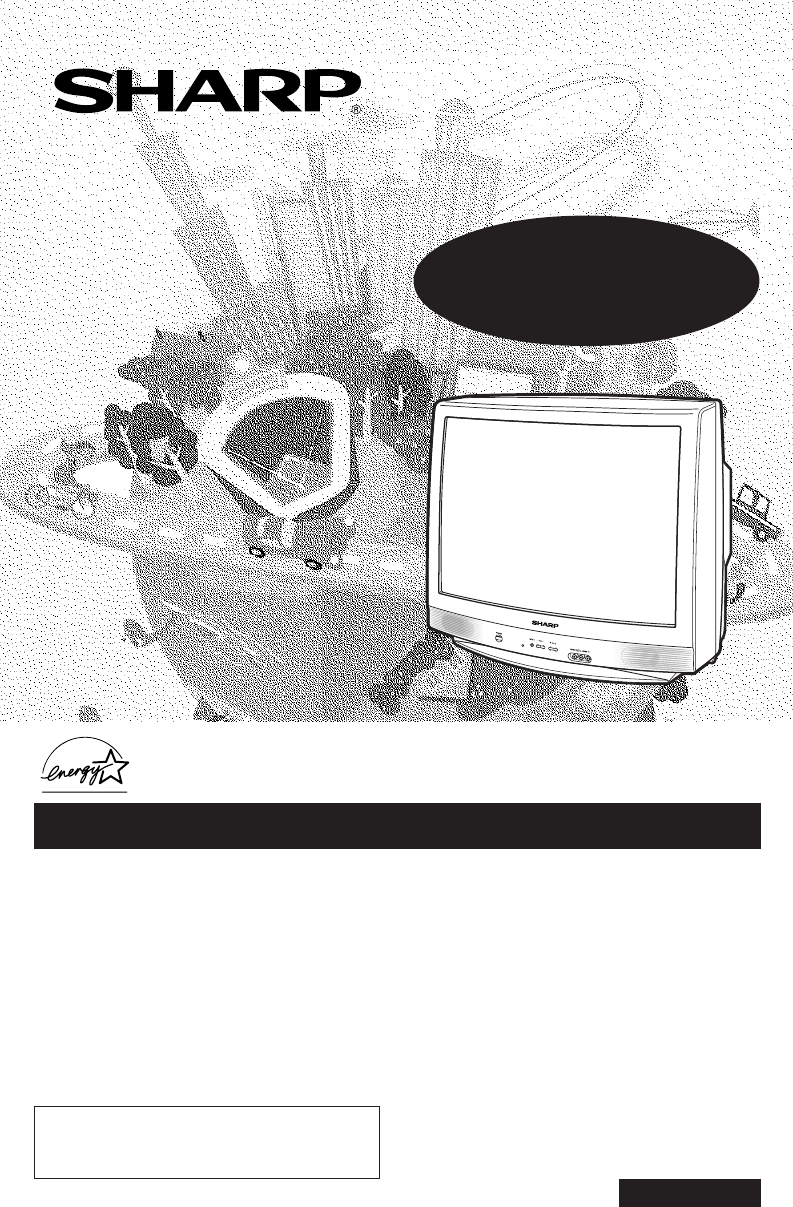
1Dimension: 140mm x 215mmCOLOR TELEVISIONH OPERATION MANUAL HMODEL36U-S50BAs an ENERGY STAR® Partner, SHARP has determined that this product meets the
10Dimension: 140 X 215 mm•The language for the ON SCREEN DISPLAY can be set to ENGLISH, SPANISH or FRENCH.1 Press MENU to access the MAIN MENU screen
11Dimension: 140 X 215 mm•Description of Adjustment Items1 Press MENU to access the MAIN MENU screen.2 Press CH a/s to move the “E” mark to “VIDEO AD
12Dimension: 140 X 215 mmH MTS (Multichannel TV Sound)This function allows reception of stereo or bilingual TV sound.•You can enjoy Hi-Fi stereo soun
13Dimension: 140 X 215 mmH AUDIO ADJUSTWhen the “E” mark is at “AUDIO ADJUST”, press VOL k/l toaccess the AUDIO ADJUST screen. To access the desired
14Dimension: 140 X 215 mm•How to set CLOSED CAPTION• Your TV is equipped with an internal Closed Caption decoder. “ClosedCaption” is a system which a
15Dimension: 140 X 215 mm1. User setting 2. Block tablePGagebased not toblocknot toblockSelectblockauto-blockauto-blockauto-blockGGPGPG-13RNC-17X– –
16Dimension: 140 X 215 mmParent Control (V-CHIP Operation) (Continued)• TV PARENTAL GUIDELINES (Example)Example 1.1 : Age Based settingClear Vs (bloc
17Dimension: 140 X 215 mm• How to set V-CHIP[1] MPAA RATING1 Press MENU to access the MAIN MENU screen.2 Press CH a/s to move the “E” mark to “PARENT
18Dimension: 140 X 215 mm7 Press MENU, then “INPUT SECRET No.” will be displayed.Note:• If SECRET No. is already set, skip to step 9.8 Enter a 4-digi
19Dimension: 140 X 215 mmParent Control (V-CHIP Operation Continued)Parent Control (V-CHIP Operation) (Continued)[3] Downloading additional rating mo
2Dimension: 140mm x 215mmWelcome to the SHARP Family. We are pleased that you are now the owner of a SHARP Color Television– built for outstanding qua
20Dimension: 140 X 215 mm• How to set additional rating mode (Example)Once downloading is complete, you can set the blocking pattern as follows.1 Rep
21Dimension: 140 X 215 mm• Activating the V-CHIP BLOCK1 Repeat steps 1 to 4 of [1] MPAA RATING.2 Press CH a/s to move the “E” mark to “STATUS”. Pre
22Dimension: 140 X 215 mm• To change the V-CHIP BLOCK after registering a secret No.1 Repeat steps 1 to 4 of [1] MPAA RATING, then “INPUT SECRETNo.”
23Dimension: 140 X 215 mmH VIEW TIMERThis function allows you to restrict TV viewing time and also allows you to control TV usage.This function is to
24Dimension: 140 X 215 mmParent Control (VIEW TIMER) (Continued)9 Enter the 4-digit secret No. using the REMOTE KEYPAD.10Press MENU, and secret No. i
25Dimension: 140 X 215 mmParent Control (VIEW TIMER) (Continued)•To cancel the VIEW TIMER setting or change the secret No. (If youforget the SECRET N
26Dimension: 140 X 215 mmEnergy Save•This feature lets you lower the power consumption of your TVset which in turn saves you money and minimizes the
27Dimension: 140 X 215 mmH EZ SetupBy operating the channel preset functions, you can preset yourTV to the desired channels for viewing.1 Press MENU
28Dimension: 140 X 215 mmSet Up (Continued)H Channel SettingIf EZ SETUP does not memorize all the channels in your region, follow the instructions be
29Dimension: 140 X 215 mm•Saving broadcast TV channels into memory1 Press MENU to access the MAIN MENUscreen, then press CH a/s to move the “E”mark
3Dimension: 140mm x 215mmIMPORTANT INFORMATION (Continued)WARNING – FCC Regulations state that any unauthorized changes or modifications to this equip
30Dimension: 140 X 215 mmH BLUE SCREENAutomatically turns the screen blue if a broadcast signal is notreceived. After 15 minutes of non-reception, th
31Dimension: 140 X 215 mm6 Press MENU to exit.When the BLUE SCREEN is set to “ON”Note:• Poor reception due to weak signals, or too much noise might a
32Dimension: 140 X 215 mmAuto Input•The unit is preset to switch to the INPUT 2 screen automaticallywhen VIDEO equipment is connected to the INPUT 2
33Dimension: 140 X 215 mm(Front connectionterminals of TV)To AUDIO OUTPUT (R)To AUDIO OUTPUT (R)To AUDIO OUTPUT (L)To AUDIO OUTPUT (L)To VIDEO OUTPUT
34Dimension: 140 X 215 mmNotes:• The S-VIDEO INPUT terminal (IN 1) is used to obtain a higher quality image by importing imagesignals separated into
35Dimension: 140mm x 215mmBefore Calling for ServiceCheck these items and see if you can correct the trouble with a slight adjustment of the controls.
36Dimension: 140mm x 215mmMODEL 36U-S50BReceiving System NTSCStereo Broadcast MTS/SAPReception ChannelsAIR VHF 2-13 chUHF 14-69 chCATV 1-125 chChannel
37Dimension: 140mm x 215mmLea estas instrucciones cuidadosamente y consérvelas a la mano para consultarlas en el futuro.IMPORTANTESírvase anotar el mo
38Dimension: 140mm x 215mmADVERTENCIA - Las Normas de la FCC establecen que cualquier cambio o modificación no autorizada quese realice en este equipo
39Dimension: 140mm x 215mmMEDIDAS DE SEGURIDAD IMPORTANTES (Continuación)13. Cumpla con todos los avisos y las instrucciones marcados en el televisor.
4Dimension: 140mm x 215mmIMPORTANT SAFEGUARDS (Continued)13. Follow all warnings and instructions marked on the television equipment.14. If an outside
40Dimension: 140mm x 215mm•Nombres de los componentes (ESPAÑOL)Panel DelanteroReferencia rápida de los controles de operaciónIN 2TVFunciones Basicas D
41Dimension: 140mm x 215mmAntes de llamar al servicio de reparacionesVerifique estos puntos para ver si usted mismo puede solucionar el problema.(Imag
42Dimension: 140mm x 215mmLisez attentivement ces instructions et gardez-les à proximité pour toute référence ultérieure.IMPORTANTAfin de vous aider e
43Dimension: 140mm x 215mmINFORMATIONS IMPORTANTES (Suite)AVERTISSEMENT - Les réglementations FCC établissent que des changements ou des modifications
44Dimension: 140mm x 215mmPRÉCAUTIONS IMPORTANTES (Suite)13. Respectez tous les avertissements et instructions mentionnés sur la télévision.14. Si une
45Dimension: 140mm x 215mm•Nomenclature (FRANÇAIS)Panneau AvantRéférence rapide sur les commandesIN 2TVFonctions de base de la télécommandeALIMENTATIO
46Dimension: 140mm x 215mmAvand d’appeler un réparateurVérifier les points suivants afin de déterminer s’il est possible de remédier au problème par u
Dimension: 140mm x 215mm47TO OBTAIN ACCESSORY OR PRODUCT INFORMATION, CALL 1-800-BE-SHARP OR VISIT www.sharpusa.comLimited WarrantyCONSUMER LIMITED WA
Printed in MexicoTINS-A654WJZZ03P04-MMG (J)SHARP ELECTRONICS CORPORATIONSharp Plaza, Mahwah, New Jersey 07430-213536U-S50B(47-48) 03.2.13, 3:20 PM48
5Dimension: 140mm x 215mmTVSupplied AccessoriesSize AADry BatteriesInfrared Remote ControlRRMCG1324CESANote:Location• For normal operation, your TV sh
6Dimension: 140mm x 215mmCABLE TV (CATV) CONNECTION• A 75 ohm coaxial cable connector is built into the set for easy hookup. When connecting the 75 oh
7Dimension: 140mm x 215mmQuick Reference Control Operation•Part NamesFront PanelQuick Reference Control OperationIN 2TVBasic Remote Control FunctionsP
8Dimension: 140mm x 215mm•When you turn on the TV for the first time, it will automaticallymemorize the broadcasting channels.Please perform the follo
9Dimension: 140mm x 215mmDemo Mode• To learn more about the TV set, you can enter DEMO mode. Simplypress and hold MENU on the TV set for more than 3 s
Prodotti e manuali riguardandi Televisori e monitor Sharp 36U-S50B
 (47 pagine)
(60 pagine)
(60 pagine)
(48 pagine)
(57 pagine)
(45 pagine)
(45 pagine)
(38 pagine)
(47 pagine)
(60 pagine)
(60 pagine)
(48 pagine)
(57 pagine)
(45 pagine)
(45 pagine)
(38 pagine)
© 2020, manymanuals.it. Tutti i diritti riservati | 0.018 s |
 Manymanuals.com
 Manymanuals.de
 Manymanuals.fr
 Manymanuals.it
 Manymanuals.pl
 Manymanuals.cz
 Manymanuals.es
 Manymanuals-pt.com
Commenti su questo manuale