Sharp CD-XP120W Specifiche Pagina 25

  • Scaricare
  • Aggiungi ai miei manuali
  • Stampa
  • Pagina
    / 32
  • Indice
  • SEGNALIBRI
  • Valutato. / 5. Basato su recensioni clienti
Vedere la pagina 24
02/5/27 CD-XP120W(A)3.fm
E-24
ENGLISH
CD-XP120W
Advanced Features
- Timer and sleep operation -
Timer and sleep operation
This may be operated only with the remote control.
Timer playback:
The unit turns on and plays the desired source (CD, tuner) at the
preset time.
Sleep operation:
The radio, compact disc and cassette tape can all be turned off
automatically.
"
Timer playback
Before setting timer:
Continued to the next page
1 Press the CLOCK button to check that the clock is on time.
2 Load the discs to be played.
1
Press the ON/STAND-BY button to turn the power on.
2
Press the CD or TUNER (BAND) button to select the de-
sired function.
When you selected the TUNER (BAND), tune in to the desired
station.
3
Adjust the volume using the VOLUME buttons.
Do not turn the volume up too high. Timer playback starts at the
volume you set here.
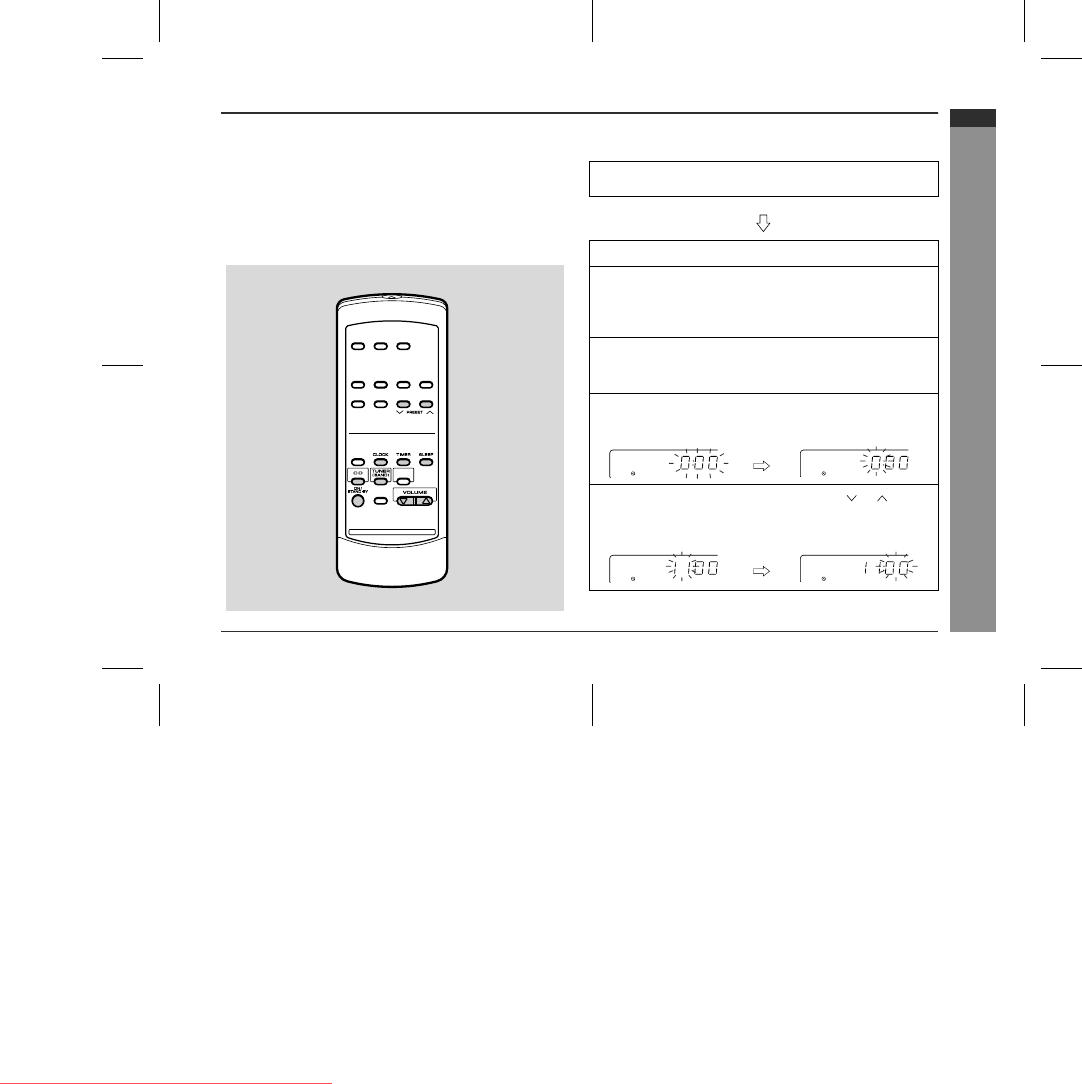
4
Press the TIMER button and within 8 seconds, press
the MEMORY/SET button.
5
Within 30 seconds, press the PRESET ( or ) button
to specify the hour to start, then press the MEMORY/
SET button.
Downloaded from www.Manualslib.com manuals search engine
Downloaded From Disc-Player.com Sharp Manuals
Vedere la pagina 24
1 2 ... 20 21 22 23 24 25 26 27 28 29 30 31 32

Commenti su questo manuale

Nessun commento