Sharp XL-HP500H Specifiche Pagina 1
Navigare online o scaricare Specifiche per Lettori CD Sharp XL-HP500H. Sharp XL-HP500H Specifications Manuale Utente
- Pagina / 40
- Indice
- SEGNALIBRI

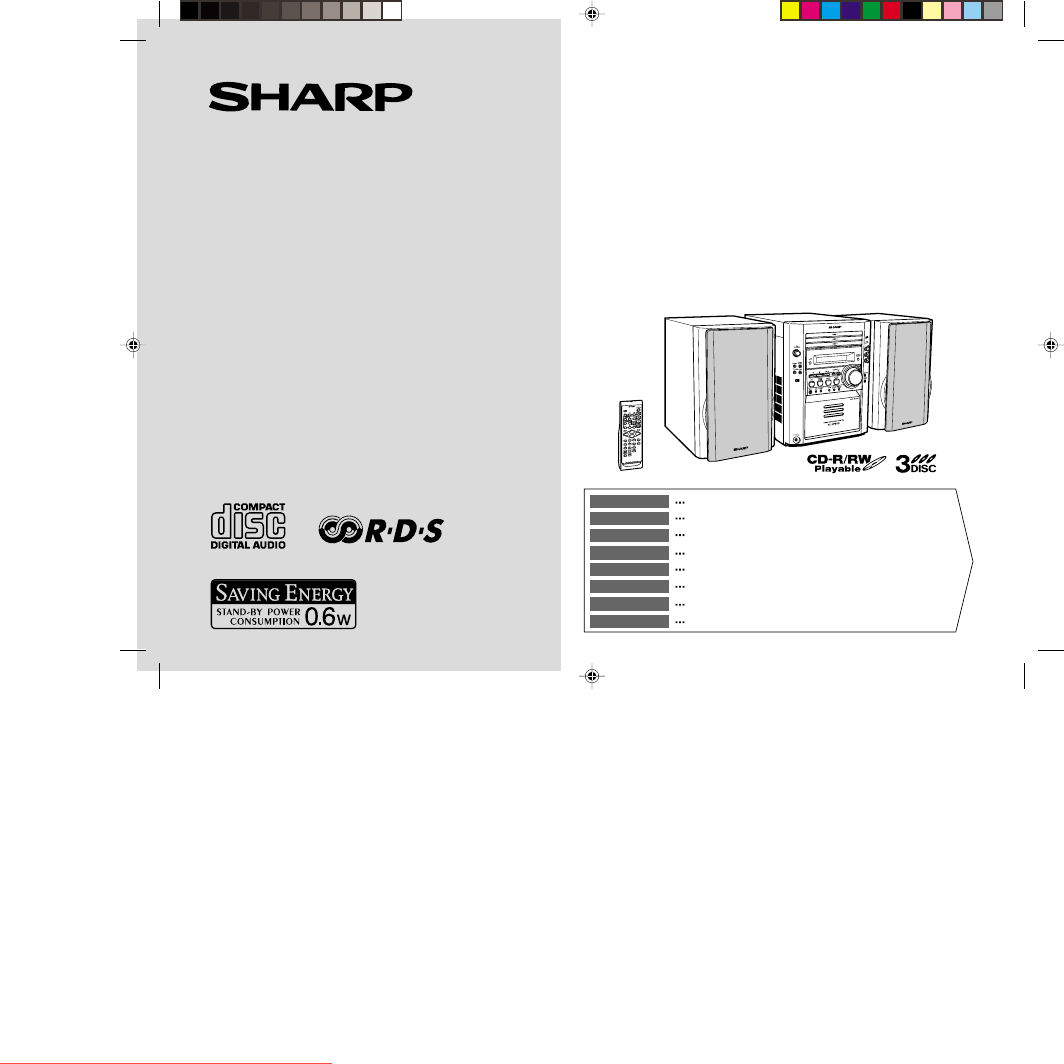
Sommario
MIKRO KOMPONENTEN SYSTEMMICRO-CHAÎNESISTEMA MICROMIKRO KOMPONENT SYSTEMMICRO SISTEMIMICRO SYSTEEMSISTEMA DE MICRO COMPONENTEMICRO COMPONENT SYSTEMMODE
02/7/23 XL-HP500H(H)E1.fmE-3ENGLISHXL-HP500HGeneral InformationControls and indicators! Front panelReference page1. Disc Trays . . . . . . . . . . .
02/7/23 XL-HP500H(H)E1.fmE-4ENGLISH8XL-HP500HGeneral Information ! Display1. Disc Number Indicators2. CD Play Indicator3. Tape Reverse Mode Indicator4
02/7/23 XL-HP500H(H)E1.fmE-5ENGLISHXL-HP500HGeneral InformationControls and indicators (continued)! Remote controlReference page1. Remote Control Tran
02/7/23 XL-HP500H(H)E1.fmE-6ENGLISH8XL-HP500HPreparation for UseRemote control! Battery installation Precautions for battery use:"Replace all old
02/7/23 XL-HP500H(H)E1.fmE-7ENGLISHXL-HP500HPreparation for UseSystem connections! Aerial connectionSupplied FM aerial:Connect the FM aerial wire to t
02/7/23 XL-HP500H(H)E1.fmE-8ENGLISH8XL-HP500HPreparation for Use ! Speaker connectionConnect the black wire to the minus (-) terminal, and the red wir
02/7/23 XL-HP500H(H)E1.fmE-9ENGLISHXL-HP500HBasic OperationSound control ! Volume controlMain unit operation:When the VOLUME control is turned clockwi
02/7/23 XL-HP500H(H)E1.fmE-10ENGLISH8XL-HP500HBasic OperationSetting the clockThe clock should be set on the main unit.In this example, the clock is s
02/7/23 XL-HP500H(H)E2.fmE-11ENGLISHXL-HP500HCD PlaybackListening to a CD (CDs)This system can also play audio CD-R and CD-RW discs, but can-not recor
02/7/23 XL-HP500H(H)E2.fmE-12ENGLISH8XL-HP500HCD Playback " To locate the beginning of a trackNotes:!You can locate the beginning of a track on a
iXL-HP500HBESONDERE ANMERKUNGENREMARQUES SPÉCIALESNOTAS ESPECIALESSÄRSKILDA ANMÄRKNINGARNOTE PARTICOLARIBIJZONDERE OPMERKINGENNOTAS ESPECIAISSPECIAL N
02/7/23 XL-HP500H(H)E2.fmE-13ENGLISHXL-HP500HCD PlaybackAdvanced CD playback" Direct search of the trackBy using the direct search buttons, the d
02/7/23 XL-HP500H(H)E2.fmE-14ENGLISH8XL-HP500HCD Playback " Programmed playYou can choose up to 32 selections for playback in the order youlike.T
02/7/23 XL-HP500H(H)E2.fmE-15ENGLISHXL-HP500HRadioListening to the radio " TuningTo receive an FM stereo transmission:Press the TUNER (BAND) butt
02/7/23 XL-HP500H(H)E2.fmE-16ENGLISH8XL-HP500HRadio ! Memorising a stationYou can store 40 AM and FM stations in memory and recall them atthe push of
02/7/23 XL-HP500H(H)E2.fmE-17ENGLISHXL-HP500HTape PlaybackListening to a cassette tape Before playback: To stop playback:Press the (TAPE ) button.
02/7/23 XL-HP500H(H)E2.fmE-18ENGLISH8XL-HP500HTape RecordingRecording to a cassette tapeBefore recording:"When recording important selections, ma
02/7/23 XL-HP500H(H)E2.fmE-19ENGLISHXL-HP500HTape RecordingRecording to a cassette tape (continued)Recording from several CDs continuously:To perform
02/7/23 XL-HP500H(H)E2.fmE-20ENGLISH8XL-HP500HAdvanced FeaturesUsing the Radio Data System (RDS)RDS is a broadcasting service which a growing number o
02/7/23 XL-HP500H(H)E3.fmE-21ENGLISHXL-HP500HAdvanced FeaturesUsing the Radio Data System (RDS) (continued)Descriptions of the PTY (Programme Type) co
02/7/23 XL-HP500H(H)E3.fmE-22ENGLISH8XL-HP500HAdvanced Features ! Using the Auto Station Programme Memory (ASPM)Whilst in the ASPM operation mode, the
iiXL-HP500H0203● Wanneer de ON/STAND-BY toets in de STAND-BY standstaat, loopt er nog steeds stroom (netspanning) in het toestel.Wanneer de ON/STAND-B
02/7/23 XL-HP500H(H)E3.fmE-23ENGLISHXL-HP500HAdvanced FeaturesUsing the Radio Data System (RDS) (continued)To stop the ASPM operation before it is com
02/7/23 XL-HP500H(H)E3.fmE-24ENGLISH8XL-HP500HAdvanced Features ! To recall stations in memoryTo specify programmed types and select stations (PTY sea
02/7/23 XL-HP500H(H)E3.fmE-25ENGLISHXL-HP500HAdvanced FeaturesTimer and sleep operationTimer playback:The unit turns on and plays the desired source (
02/7/23 XL-HP500H(H)E3.fmE-26ENGLISH8XL-HP500HAdvanced Features To reset or change the timer setting:Perform "Timer playback or timer recording&q
02/7/23 XL-HP500H(H)E3.fmE-27ENGLISHXL-HP500HAdvanced FeaturesTimer and sleep operation (continued)" Sleep operationTo cancel the sleep operation
02/7/23 XL-HP500H(H)E3.fmE-28ENGLISH8XL-HP500HAdvanced Features " To record on a tape " Headphones!Before plugging in or unplugging the hea
02/7/23 XL-HP500H(H)E3.fmE-29ENGLISHXL-HP500HReferencesTroubleshooting chartMany potential problems can be resolved by the owner without call-ing a se
02/7/23 XL-HP500H(H)E3.fmE-30ENGLISH8XL-HP500HReferences " Remote control " If trouble occursWhen this product is subjected to strong extern
02/7/23 XL-HP500H(H)E3.fmE-31ENGLISHXL-HP500HReferencesMaintenance" Cleaning the tape-handling parts!Dirty heads, capstans or pinch rollers can c
02/7/23 XL-HP500H(H)E3.fmE-32ENGLISH8XL-HP500HReferences " CD player " Tuner " Cassette deck" SpeakerType 3-disc multi-play compac
iiiXL-HP500HDieses Produkt ist ein Laserprodukt der Klasse 1.Ce produit est classifié comme étant un LASER DE CLASSE 1.Este producto está clasificado
SHARP CORPORATION9906TINSZ0849AWZZ02G R KS 1XLHP500HH_BACK.pm 02.7.23, 12:301Downloaded from www.Manualslib.com manuals search engine Downloaded From
ivXL-HP500H● Advarsel:Til at forbygge ild og stød risiko, lad vaere med at undsaettedenne indretning for drypning eller overstaenkning. Der måikke anb
vXL-HP500H0203● VORSICHTVerwendung von Regelungen oder Einstellungen bzw.Durchführung von anderen Verfahren als die hierinangegebenen kann zum Aussetz
viXL-HP500HEigenschaften der LaserdiodeMaterial: GaAIAsWellenlänge: 780 nmEmissionsdauer: kontinuierlichLaser-Ausgang: max. 0,6 mWCaractéristiques de
E-102/7/23 XL-HP500H(H)E1.fmENGLISHXL-HP500HENGLISHGeneral InformationIntroductionThank you for purchasing this SHARP product. To obtain the bestperfo
02/7/23 XL-HP500H(H)E1.fmE-2ENGLISH8XL-HP500HGeneral InformationPrecautions! General"Please ensure that the equipment is positioned in a well ven
Prodotti e manuali riguardandi Lettori CD Sharp XL-HP500H
 (44 pagine)
(36 pagine)
(144 pagine)
(44 pagine)
(36 pagine)
(144 pagine)
 (41 pagine)
(47 pagine)
(36 pagine)
(60 pagine)
(57 pagine)
(40 pagine)
(41 pagine)
(47 pagine)
(36 pagine)
(60 pagine)
(57 pagine)
(40 pagine)


 (35 pagine)
 (12 pagine)
(40 pagine)
(28 pagine)
(12 pagine)
(40 pagine)
(28 pagine)
 (28 pagine)
(23 pagine)
(40 pagine)
(48 pagine)
(31 pagine)
(28 pagine)
(23 pagine)
(40 pagine)
(48 pagine)
(31 pagine)
© 2020, manymanuals.it. Tutti i diritti riservati | 0.070 s |
 Manymanuals.com
 Manymanuals.de
 Manymanuals.fr
 Manymanuals.it
 Manymanuals.pl
 Manymanuals.cz
 Manymanuals.es
 Manymanuals-pt.com
Commenti su questo manuale