Sharp AR-F14 Specifiche Pagina 13
- Pagina / 18
- Indice
- SEGNALIBRI

- For users in the USA 2
- SADDLE STITCH FINISHER 3
- SPECIFICATIONS 4
- Sort function 5
- Group function 5
- Offset function 5
- Staple sort function 5
- Original 1 6
- [Example] 6
- Punch hole positions 6
- 2-SIDED COPY 9
- Staple unit 10
- Removing a staple jam 11
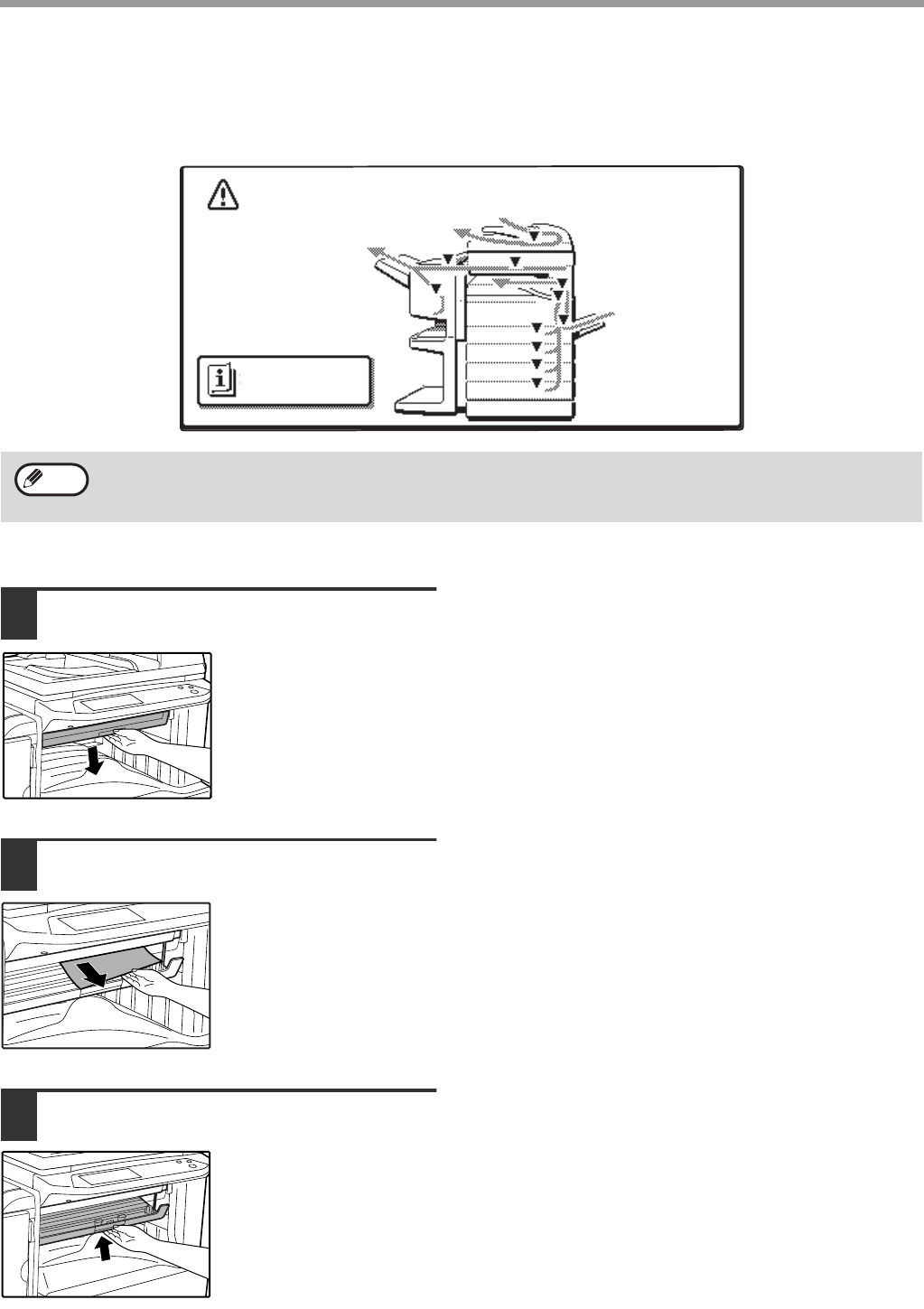
- REMOVING PAPER MISFEEDS 13
- Roller rotating 14
- Remove the paper 15
- FINISHER) 16
- SHARP CORPORATION 18
Prodotti e manuali riguardandi Fotocopiatrice Sharp AR-F14
 (112 pagine)
(66 pagine)
(26 pagine)
(112 pagine)
(66 pagine)
(26 pagine)
 (72 pagine)
 (2 pagine)
(74 pagine)
(12 pagine)
(82 pagine)
(44 pagine)
(107 pagine)
(36 pagine)
(9 pagine)
(170 pagine)
(2 pagine)
(5 pagine)
(2 pagine)
(74 pagine)
(12 pagine)
(82 pagine)
(44 pagine)
(107 pagine)
(36 pagine)
(9 pagine)
(170 pagine)
(2 pagine)
(5 pagine)
 (88 pagine)
(34 pagine)
(88 pagine)
(34 pagine)
© 2020, manymanuals.it. Tutti i diritti riservati | 0.031 s |
 Manymanuals.com
 Manymanuals.de
 Manymanuals.fr
 Manymanuals.it
 Manymanuals.pl
 Manymanuals.cz
 Manymanuals.es
 Manymanuals-pt.com
Commenti su questo manuale