Sharp AR-FX8 Manuale Utente Pagina 4

  • Scaricare
  • Aggiungi ai miei manuali
  • Stampa
  • Pagina
    / 12
  • Indice
  • SEGNALIBRI
  • Valutato. / 5. Basato su recensioni clienti
Vedere la pagina 3
HIGH PERFORMANCE PRINTING
Built for speed...
The Sharp AR-M550’s impressive 55 ppm
speed is just one of its powerful
performance features. Its built-in
dedicated processor effortlessly handles
even the most complex graphics files,
while the RIP Once, Print Many feature
accelerates the production of multiple
prints by minimising human intervention
and eliminating additional processing.
And if even 55 ppm isn’t enough, you
can run two machines in tandem to
double the output speed.
...and exceptional quality
As you’d expect from Sharp, the
AR-M550 delivers exceptional quality.
Its fine particle toner technology, 1200
x 600 dpi resolution and 256-level
greyscale all combine to give every
page the crispness and clarity you need
for that professional look.
Fast, high-volume printing*
1
at a speed of 55 ppm
Fast warm up - recovery time from sleep mode is less
than 2 minutes
Duplex printing, even on heavy paper - up to 205 g/m
2
for any office printing demand
PDF/TIFF direct print*
2
– save valuable time by printing PDF and TIFF files without
using the printer driver, either by calling and printing the file directly from an FTP
server, direct printing from a web page or direct printing of email attachments
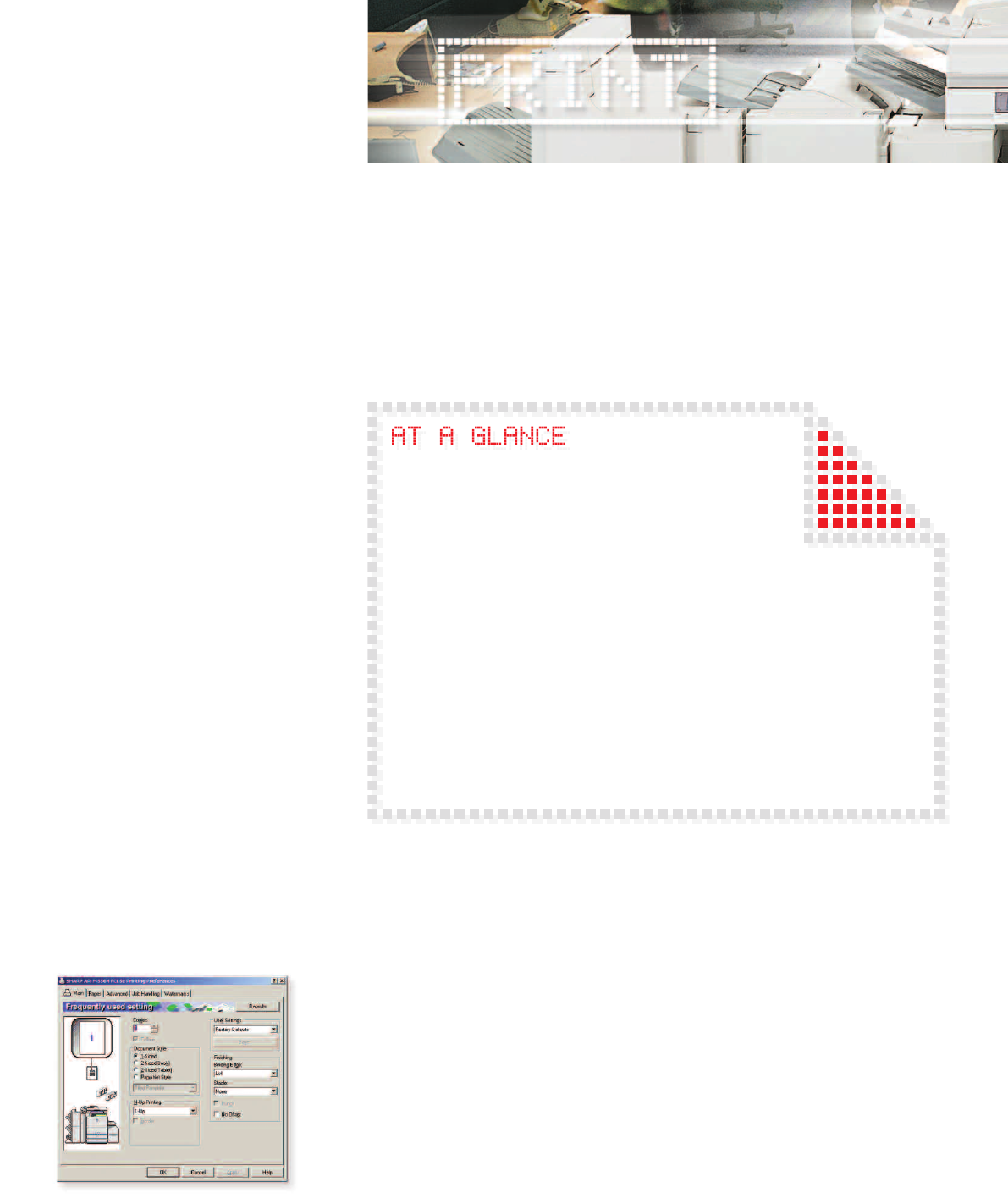
Supports PCL5e and PCL6 printer language emulation with Sharp Common
Graphic User Interface for ease of use
PostScript 3*
2
is available for compatibility with more fonts and better
graphics handling
Sharp standard printer driver for ease of use
Professional finishing options
The AR-M550 comes with a built-in output tray as standard. Additional finishing options,
which include hole-punching, multi-stapling, saddle stitching and folding can be added
to create the precise configuration that best suits your needs.
Special applications
Inserter*
3
- automatically feed blank or pre-printed documents in to your print or copy run
Tab copy/print - for labelling document tabs and separator pages, which can then be
automatically inserted into the finished document
Network tandem copy/print*
1
- double the output speed by using two AR-M550
multifunction systems on the same network
Carbon copy print - print multiple copies of the same data on plain and/or coloured
paper fed from different paper trays
Card shot copy/scan - one-touch scanning and copying of both sides of a credit card
sized original on a single page
Pamphlet copy/print - scan multiple single-sheet originals and automatically create
paginated, folded, saddle-stitched booklets*
4
*
1
AR-M550U requires optional AR-P19 Network printer board
*
2
Requires optional AR-PK5 PostScript 3 expansion
kit and AR-P19
*
3
Requires AR-CF2 Inserter
*
4
Requires AR-F16 Saddle Finisher
Vedere la pagina 3
1 2 3 4 5 6 7 8 9 10 11 12

Commenti su questo manuale

Nessun commento