Sharp AR-C250 Manuale Utente Pagina 22
- Pagina / 36
- Indice
- SEGNALIBRI

- DigitalDigital 1
- CONTENTS 3
- EXPOSURE PAPER SELECT 4
- COPY RATIO 4
- 8/ 11AUTO 4
- SETTINGS 5
- KEY OPERATOR PROGRAMS 10
- ACCOUNT CONTROL 11
- Number of Copies per Account 12
- Billing by Account 13
- Resetting Account 14
- To reset all accounts 14
- To reset a single account 14
- To register accounts 15
- To delete accounts 15
- Account Number Control 15
- To change an account number 16
- Price/Copy Setting 16
- PRICE CODE 17
- PRESENT PRICE 17
- ALL ACCOUNTS ENTER 17
- Account Limit Setting 18
- To set a limit 18
- Account Number Security 19
- OTHER FUNCTION SETTINGS 20
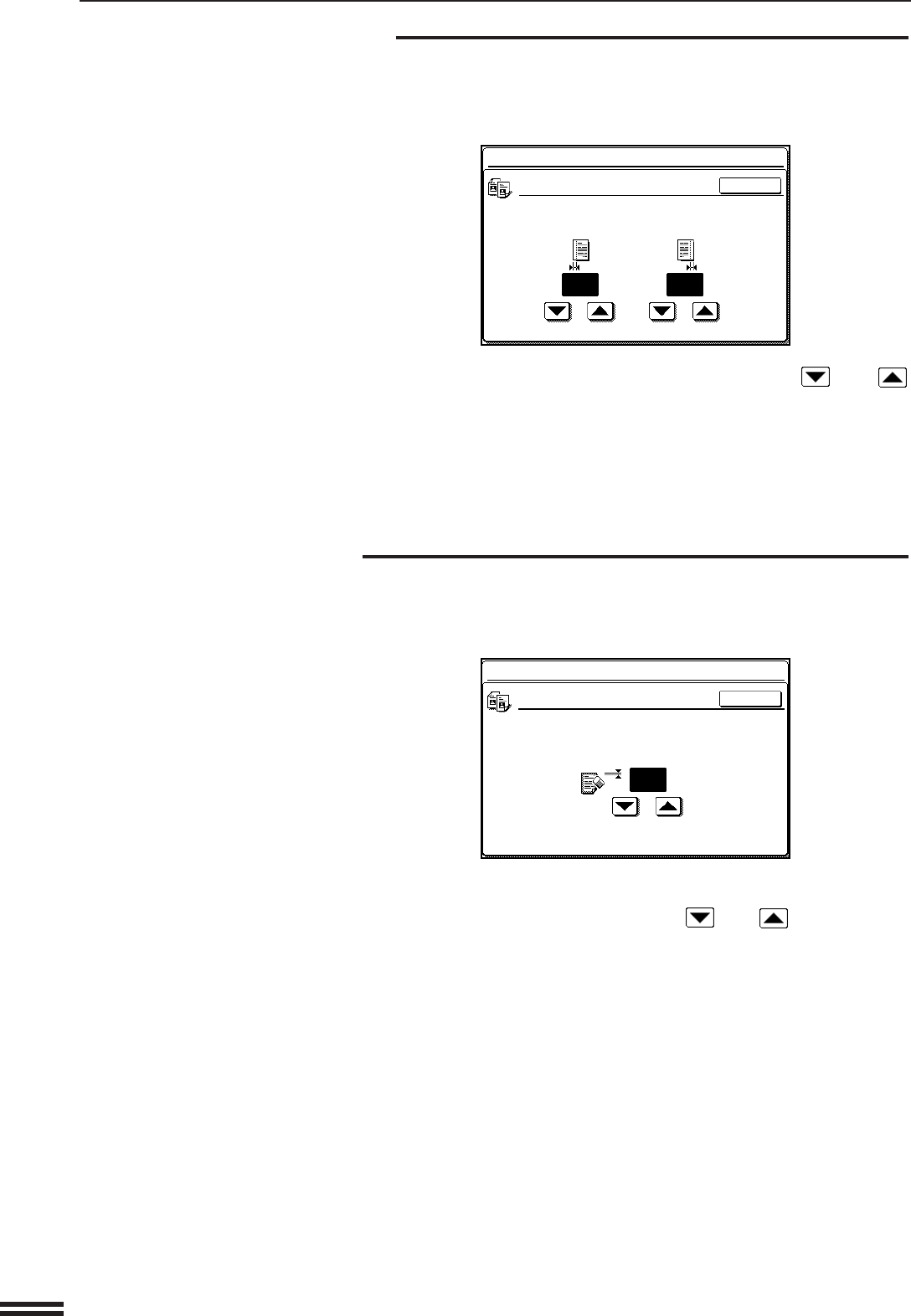
- Initial Margin Shift Setting 22
- Erase Width Adjustment 22
- Initial Status Setting 23
- Transfer Belt Position 23
- Color Balance 24
- Size Setting for [EXTRA] 24
- Require Key Operator Code 25
- Stream Feeding Mode 26
- TIMER SETTINGS 27
- Preheat Mode Setting 28
- Message Time Setting 28
- ENABLE/DISABLE SETTINGS 29
- Disabling of Document Feeder 30
- Disabling of Duplex Copying 30
- Disabling of Stapler 31
- Disabling of Covers Mode 31
- Disabling of PC/Modem Access 31
- Disabling of Sleep Mode 32
- OTHER PROGRAMS 33
- Auto Color Calibration 34
- KEY OPERATOR ASSISTANCE CALL 35
- SHARP CORPORATION 36
Prodotti e manuali riguardandi Stampanti per fotografie Sharp AR-C250
 (130 pagine)
 (12 pagine)
© 2020, manymanuals.it. Tutti i diritti riservati | 0.063 s |
 Manymanuals.com
 Manymanuals.de
 Manymanuals.fr
 Manymanuals.it
 Manymanuals.pl
 Manymanuals.cz
 Manymanuals.es
 Manymanuals-pt.com
Commenti su questo manuale