Sharp XG-NV7XE Specifiche Pagina 19
- Pagina / 67
- Indice
- RISOLUZIONE PROBLEMI
- SEGNALIBRI

- DIGITAL MULTIMEDIA 1
- PROJECTOR 1
- OPERATION MANUAL ENGLISH 4
- Important Safeguards 5
- Outstanding Features 6
- Contents 7
- Usage Guidelines 8
- Accessing the PDF Manuals 9
- Part Names 10
- Remote Control 11
- Inserting the batteries 11
- Setup & Connections 12
- Supplied Accessories 13
- Connecting the Projector 14
- “Plug and Play” function 15
- Connecting RS-232C Port 17
- IBM or IBM compatible PC 18
- Macintosh 18
- Operation 19
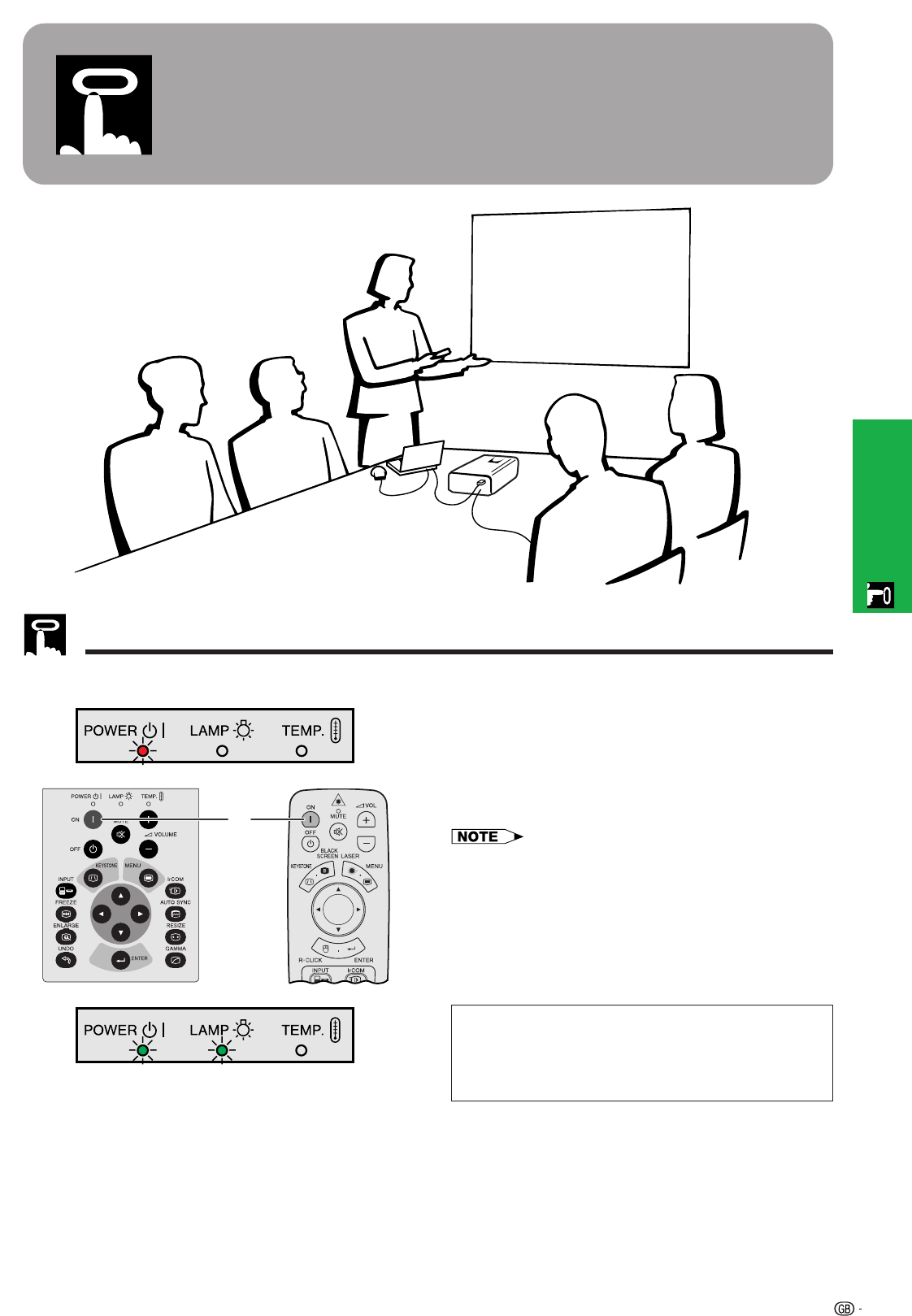
- Basic Operations 20
- Setting up the Screen 21
- Using the Adjustment Feet 22
- Digital Keystone Correction 22
- Reversed Image Setup 23
- Ceiling-mount Setup 23
- Controlling the Projector 24
- Using the Wireless Mouse 24
- MOUSE ADJ 25
- Main menu 27
- Sub menu 27
- Digital camera 28
- Picture Adjustments 30
- Audio Adjustments 31
- Computer Image Adjustments 32
- Auto Sync Adjustment 33
- Auto Sync Display Function 33
- Saving the adjustment setting 34
- Selecting a saved setting 34
- Special Mode Adjustment 35
- Useful Features 36
- Digital Image Magnification 37
- Gamma Correction 38
- Black Screen Function 40
- I/P Conversion 42
- Checking the Lamp Usage Time 42
- Selecting the Signal Type 43
- Checking the Input Signal 43
- Setting a Background Image 44
- Selecting a Startup Image 45
- Reverse/Invert Image Function 46
- Using the Presentation Tools 47
- Status Function 48
- Maintenance & 49
- Troubleshooting 49
- Lamp/Maintenance Indicators 50
- Using the Kensington Lock 51
- Appendix 52
- Transporting the Projector 53
- Connection Pin Assignments 54
- RS-232C Port Specifications 55
- For IBM and compatibles 57
- For Macintosh Series 57
- 0.7 Vp-p 58
- 75 Ω load 58
- R • G • B 58
- Specifications 59
- Dimensions 60
- Sans-serif 62
- Good Bad Good 63
- Glossary 65
- SHARP CORPORATION 67
Prodotti e manuali riguardandi Proiettori Sharp XG-NV7XE
 (6 pagine)
(2 pagine)
(6 pagine)
(2 pagine)
 (71 pagine)
(2 pagine)
(71 pagine)
(2 pagine)
 (67 pagine)
(90 pagine)
(53 pagine)
(11 pagine)
(63 pagine)
(67 pagine)
(90 pagine)
(53 pagine)
(11 pagine)
(63 pagine)
 (106 pagine)
(2 pagine)
(2 pagine)
(11 pagine)
(106 pagine)
(2 pagine)
(2 pagine)
(11 pagine)

 (12 pagine)
(92 pagine)
(12 pagine)
(92 pagine)
 (55 pagine)
(2 pagine)
(67 pagine)
(55 pagine)
(2 pagine)
(67 pagine)
© 2020, manymanuals.it. Tutti i diritti riservati | 0.022 s |
 Manymanuals.com
 Manymanuals.de
 Manymanuals.fr
 Manymanuals.it
 Manymanuals.pl
 Manymanuals.cz
 Manymanuals.es
 Manymanuals-pt.com
Commenti su questo manuale