Sharp XV-Z9000E Specifiche Pagina 44
- Pagina / 63
- Indice
- RISOLUZIONE PROBLEMI
- SEGNALIBRI

- OPERATION MANUAL ENGLISH 3
- WARNING: 4
- IMPORTANT SAFEGUARDS 5
- Notes on Operation 6
- Temperature Monitor Function 7
- Lamp Monitor Function 7
- Using the Terminal Cover 7
- Outstanding Features 8
- Accessing the PDF Manuals 9
- Contents 10
- Part Names 11
- Projector 12
- Remote Control 13
- Inserting the batteries 13
- Supplied Accessories 14
- Power Supply 15
- Connections 15
- Connecting to Video Equipment 15
- Connecting to a Computer 17
- Operating the Remote Control 18
- Power ON/OFF 19
- Zooming and Focusing 19
- Using the Adjustment Feet 20
- Setting Up the Screen 20
- Using the Lens Shift 20
- Keystone Correction 21
- : Picture area 22
- Setup & Connections 23
- Rear Projection 24
- Projection Using a Mirror 24
- Ceiling-mount Projection 24
- Image Projection 24
- Using the Operation Buttons 25
- COMPUTER 26
- VIDEO/DVD/DTV 26
- Gamma Correction Function 27
- Basic Operations 28
- Menu Bars 29
- Main menu 30
- Adjusting the Picture 31
- GUI Menu Screen 32
- Selecting the Signal Type 33
- Progressive Mode 33
- Saving the adjustment setting 35
- Selecting a saved setting 35
- Special Mode Adjustment 36
- Checking the Input Signal 36
- Auto Sync Adjustment 37
- Auto Sync Display Function 38
- Description of OSD Display 39
- Theatre Mode Functions 40
- Selecting a Background Image 41
- button button 42
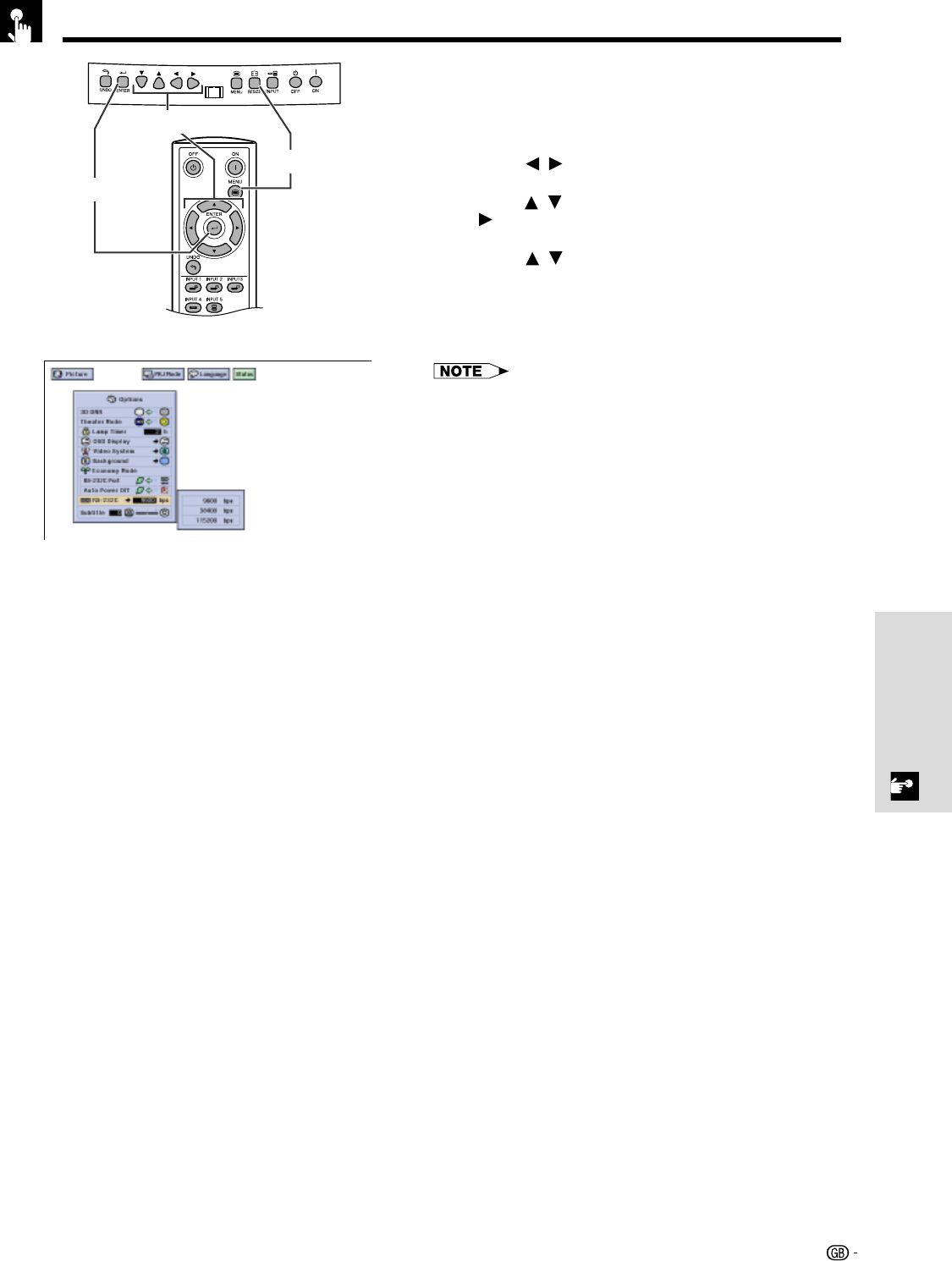
- RS-232C on 43
- Basic Operation 44
- Lamp/Maintenance Indicators 47
- Lamp Maintenance 48
- Replacing the Lamp 49
- User service screws 50
- Cleaning the Air Filters 51
- Using the Kensington Lock 51
- Troubleshooting 52
- Connecting Pin Assignments 53
- Response code format 54
- Command format 54
- PICTUREFINE SYNC 55
- OPTIONSPRJ MODE 56
- LANGUAGE 56
- Appendix 57
- Computer Compatibility Chart 58
- Dimensions 59
- Specifications 60
- Glossary 61
- SHARP CORPORATION 63
Prodotti e manuali riguardandi Proiettori Sharp XV-Z9000E
 (106 pagine)
 (2 pagine)
(11 pagine)
(2 pagine)
(2 pagine)
(11 pagine)

 (12 pagine)
(92 pagine)
(12 pagine)
(92 pagine)
 (55 pagine)
(2 pagine)
(55 pagine)
(2 pagine)
 (67 pagine)
(62 pagine)
(26 pagine)
(81 pagine)
(35 pagine)
(15 pagine)
(15 pagine)
(67 pagine)
(62 pagine)
(26 pagine)
(81 pagine)
(35 pagine)
(15 pagine)
(15 pagine)
© 2020, manymanuals.it. Tutti i diritti riservati | 0.069 s |
 Manymanuals.com
 Manymanuals.de
 Manymanuals.fr
 Manymanuals.it
 Manymanuals.pl
 Manymanuals.cz
 Manymanuals.es
 Manymanuals-pt.com
Commenti su questo manuale