Sharp vc-a260x Specifiche Pagina 1
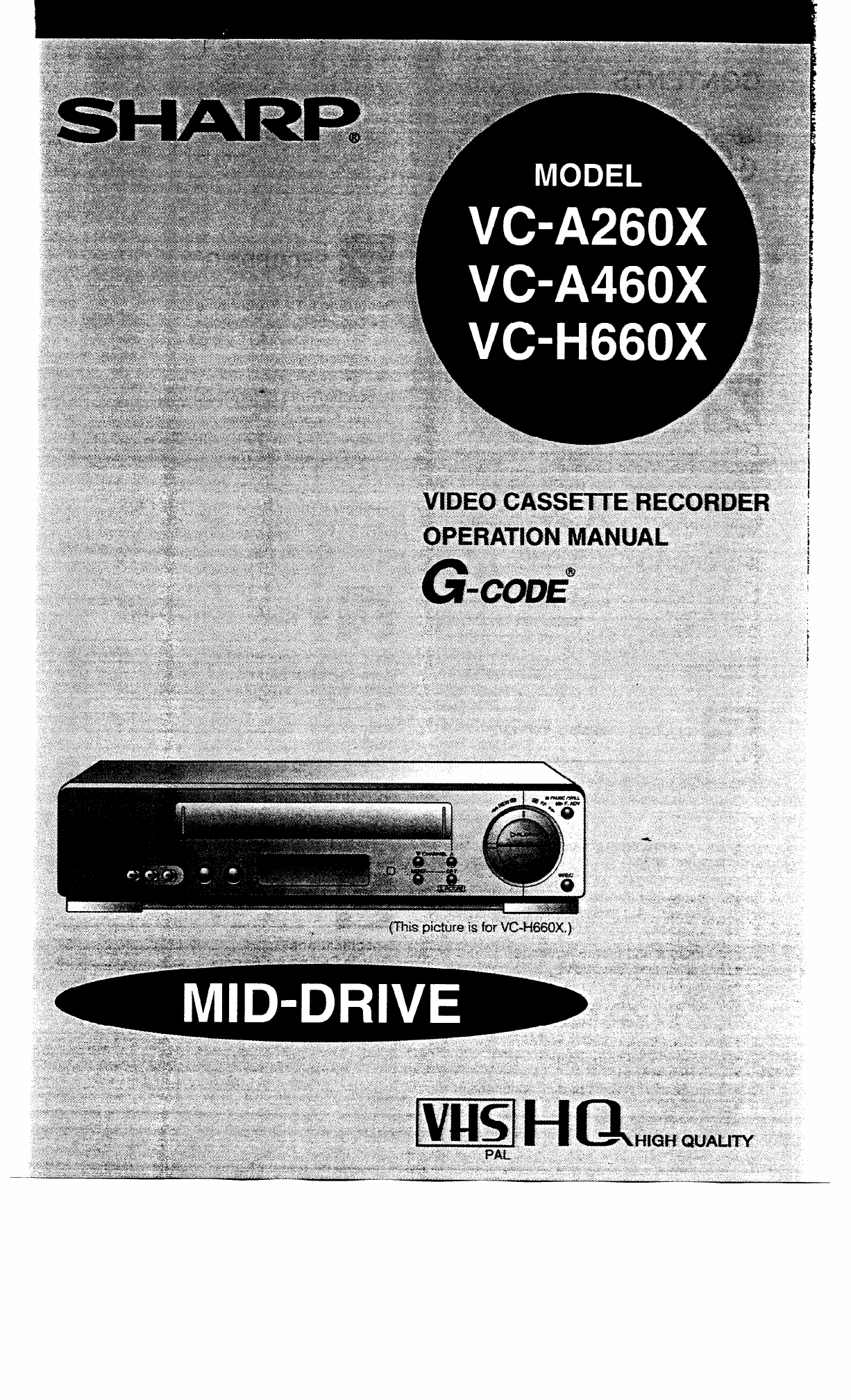
Navigare online o scaricare Specifiche per Apparecchiature di registrazione Sharp vc-a260x. Sharp vc-a260x Specifications Manuale Utente
- Pagina / 38
- Indice
- SEGNALIBRI

- CAUTION 2
- Location and Handling 2
- Accessories 3
- (LINE IN 2: VIDEO, AUDIO) 4
- Inserting the Batteries 5
- Setting the TV Brand 6
- Setting the Language 9
- Setting the Clock 10
- Setting the Channels 11
- MANUAL TUNING 12
- LECT rA V 13
- How to Display Indicators 14
- [Colour] 15
- - Playback 16
- STOP MODE 17
- Video Search 17
- VGA460X, VGH660X) 17
- Shuttle System 17
- Playback 19
- Auto Head Cleaning System 19
- Auto Rental Mode 19
- (Only for VGH660X) 20
- Audio Output Mode 20
- Recording a TV Programme 21
- (Only for VGH66OX) 22
- Recording Audio Only 22
- Immediate Recording 23
- Delayed Recording 23
- G-CODES 24
- WEEKLY DAILY 25
- PR START STOP 26
- - v 2/a v v 27
- --I-- -- -,--_ _,_____ 28
- --,-- -- _,___ _(_____ 28
- . . P/1 . 28
- SP (standard play) mode 29
- LP (long play) mode 29
- Total: 120 minutes 29
- :::::::::I 31
- S. PICTURE 31
- Auto Repeat 32
- Skip Search 32
- New Child-Proof Lock 33
- VCR Display 34
- On Screen Display 35
- Specifications 36
- Problem 37
- Possible Cause/Solutions 37
- A.C.N. 003 039 405 38
- Blacktown, N.S.W. 2148 38
Sommario
!4a Setting the Clock When you use the VCR for the first time or after a power failure of more than 60 seconds the clock will be
!!§I Setting the Channels Your VCR can receive VHF channels 0 to 12, and UHF channels 28 to 69. Your VCR has 48 programmable chann
Setting the Channels MANUAL TUNING PREPARATION *Select the video channel on your TV. Press the OPERATE button to turn on the VCR. Exam
H Channel Skip/Cancelling Skip Channel skip If there are channel positions that are not preset, you can skip them with the following
!§I Menu Screen @ Turn on your TV and select the video channel. @ Press the OPERATE button to turn on the VCR, and then press th
!a j Mode Selection You can set the basic functions listed in the table below on the MODE selection screen. PREPARATION l Turn on y
R - Playback Inserting a Video Cassette Gently insert the video cassette into the cassette compartment. The VCR turns on automatically
Playback (Only for VGA460X, VGH660X) Shuttle System The shuttle system lets you control all the basic playback functions using just the shuttl
Playback Still Picture and Frame Advance 0 Q 0 0 1 0 Press the PAUSE/STILL (F.ADV) button during playback. This will freeze the picture on
F Irl Playback Auto Tracking Control System This function automatically adjusts the tracking to match the recorded tape. Auto tracking
84 IMPORTANT SAFEGUARDS AND PRECAUTIONS CAUTION BEFORE OPERATING YOUR NEW VCR, PLEASE CAREFULLY READ THIS OPERATION MANUAL AND THEN SAVE I
Playback Blue Back Set the BLUE BACK mode to AUTO on the MODE-selection screen. (See Mode Selection on page 16.) This function elim
!!!I Recording a TV Programme Cassette Erase Protection ERASURE -- A @!yg cassette has a removable tab to prevent accidental erasure of
q Recording Hi-Fi Stereo Sound (Only for VGH66OX) This VCR automatically records audio signals on two kinds of audio tracks. Hi-Fi: Using
!!m Simple Recording Timer There are two ways to use this Simple Recording Timer for your convenience. Immediate Recording l Immediate re
q Programming theTimer with G-CODES This VCR has the G-CODE Programming System. By simply inputting the G-CODE number with the 1-9 nume
Recording with the Timer with G-CODE’ I SET 0 SET I) aa-CODE - WEEKLY DAILY (0) 0 MENU Normal Screen TIMER ON/OFF 0 I) TIMER ON/OFF (n) @ Press t
q Recording with the Timer The timer can be set manually for automatic recording of up to 8 events over a 365 day period. PREPARATION
m Recording with the Timer When the clock is set 40 24l-l mode, “AM/ @ Set the start time with the numeric buttons or A / [Start]
Recording with the Timer Confirming Timer Programmes You can see on the On Screen Display a list of all timer programmes that are alr
!!a Intelligent Timer Recording (JUST REC) When the tape is expected to run out halfway during timer recording in the SP (standard
IMPORTANT SAFEGUARDS AND PRECAUTIONS Service Do not attempt to service this VCR yourself. Please carry out the user checks on page 3
Y *I’ Audio Dubbing (only for VC-H660X) NOTES l Do not press the CWANNEL @/@ button during audio dubbing. l Because the audio ‘signal is record
m New Sharp Super Picture This function creates clearer modulation during playback for high picture quality. I S.PICTURE ON Press the S.
m Auto Repeat With this feature, the entire tape is played back repeatedly. @ Set the REPEAT mode on the MODE-selection screen to
m New Child-Proof Lock 0 (VGH660X) (VC-A260X, VC-A460X) With this feature, you can lock all VCR modes to prevent accidental change. This
ml VCR Display __ - When the DISPLAY button is pressed, the display changes in the following way. (However, the following is the c
m Tape Remaining Display On Screen Display VCR Display Qelect FULL or COUNTER display mode by pressing the MODE OSD button on the re- m
m Editing from a Camcorder toYour VCR Editing from your Camcorder is extremely easy using your VCR with a linear tape counter, etc.
q Before Calling for Service Check this list before calling for service. Problem MISCELLANEOUS PROBLEMS Possible Cause/Solutions l No power
OF SHARP CORPORATION AUSTRALIA PTY. LIMITED A.C.N. 003 039 405 1 Huntingwood Drive, Huntingwood, Blacktown, N.S.W. 2148 SHARP CORPORATION l . O
a Major Components of Your VCR Front (VC-A460X) (VGA260X) 0 A 0 A OPERATE button (turns VCR on/off) Clock display will work regardless of thi
a Remote Control (VC-H660X) INPUT SELECT Digit select (When button @ REW button inputting up to two @ PLAY/ x 2 button digit numbers) @ S
a Using the. Remote Control for TV Operation The provided remote control can operate the basic functions of your television. In additio
l§ii Connections 0 Q 0 Disconnecting TV Cable Disconnect the aerial cable from the back of your TV set. Connecting Aerial Cable to VCR C
,i’ ’ I AUDiO OUT R/L n VlDEO OUT onnecting to a StereoTV (Only for VGH66OX). (This picture is for Vl%-i660X) l Stereo sound output is only
!§I Setting the Language PREPARATION @Select the video channel on your TV. Press the OPERATE button to turn on the VCR. When you use
Prodotti e manuali riguardandi Apparecchiature di registrazione Sharp vc-a260x
 (8 pagine)
 (381 pagine)
© 2020, manymanuals.it. Tutti i diritti riservati | 0.044 s |
 Manymanuals.com
 Manymanuals.de
 Manymanuals.fr
 Manymanuals.it
 Manymanuals.pl
 Manymanuals.cz
 Manymanuals.es
 Manymanuals-pt.com
Commenti su questo manuale