Sharp ZQ-P20 Specifiche Pagina 25
- Pagina / 36
- Indice
- SEGNALIBRI

- ELECTRONIC ORGANIZER 1
- OPERATION MANUAL 1
- CAUTIONS 2
- Part Names 3
- Entering Characters 4
- Clock Mode 5
- 2. Setting the clock 6
- 3. Using World clock 6
- 6. Setting alarms 7
- Telephone Mode 8
- 1. Storing schedule entries 9
- 2. Alarm for Schedule mode 9
- SCHEDULE? 9
- To Do Mode 10
- Memo Mode 10
- Calculation 12
- Currency/Unit Conversion Mode 13
- Game Mode 14
- Word Translator Mode 15
- PEDOMETER 16
- SPEL L : 16
- STRIDE i nch 17
- Pedometer Mode 18
- Consumption Mode 19
- Food Database Mode 19
- Intake Mode 19
- Report Mode 20
- BMI Calculation Mode 20
- Backlight function 21
- Memory Storage 21
- 1. Registering a password 22
- 3. Changing the password 23
- 4. Deleting the password 23
- Minimum System Requirements: 24
- XP/2000 24
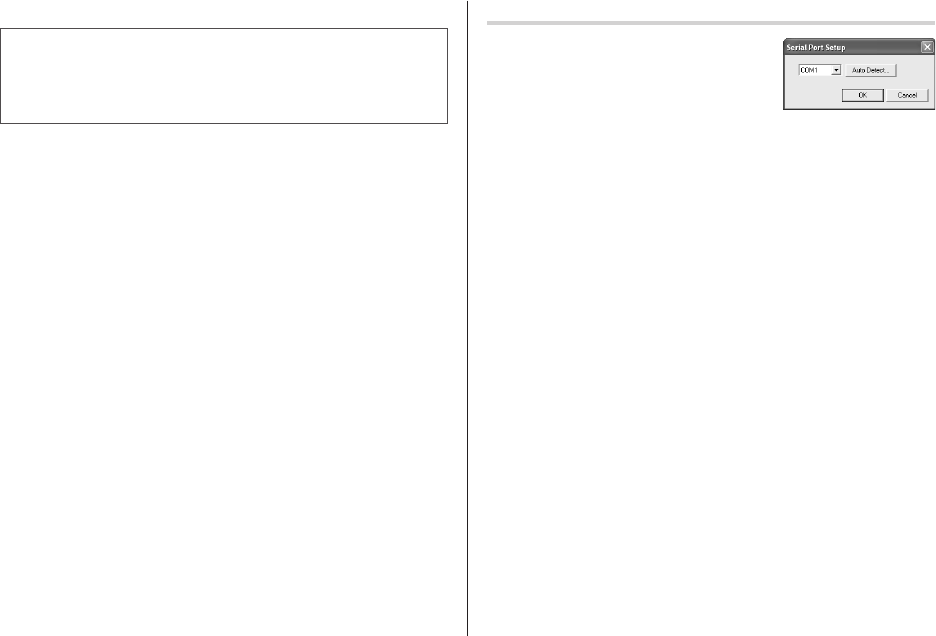
- Serial Port Setup 25
- Synchronization Software 26
- Desktop Utilities 27
- Un-installing the PC software 28
- Battery Replacement 29
- Specifications 30
- PRODUCT SUPPORT 35
- SHARP ELECTRONICS CORPORATION 36
Prodotti e manuali riguardandi Tablet Sharp ZQ-P20
 (46 pagine)
(32 pagine)
(11 pagine)
(529 pagine)
(46 pagine)
(32 pagine)
(11 pagine)
(529 pagine)
 (32 pagine)
(40 pagine)
(54 pagine)
(91 pagine)
(32 pagine)
(40 pagine)
(54 pagine)
(91 pagine)
© 2020, manymanuals.it. Tutti i diritti riservati | 0.026 s |
 Manymanuals.com
 Manymanuals.de
 Manymanuals.fr
 Manymanuals.it
 Manymanuals.pl
 Manymanuals.cz
 Manymanuals.es
 Manymanuals-pt.com
Commenti su questo manuale