Sharp PN-L601B Manuale del Proprietario Pagina 28
- Pagina / 94
- Indice
- SEGNALIBRI

- SHARP Pen Software 1
- OPERATION MANUAL 1
- MODE D’EMPLOI 1
- MANUAL DE INSTRUCCIONES 1
- 起動から終了の流れ 4
- ツールバーの機能ボタンとはたらき 7
- ファイルの保存と読み込み 8
- 編集するシートを変える(ホワイトボードモード) 9
- 10
- 11
- 12
- オブジェクトを編集する 13
- オブジェクトを削除する 15
- 操作を取り消す・やり直す 15
- 16
- 17
- ドキュメントを画像で取り込む 18
- (ペンソフト取り込み用プリンタードライバー) 18
- 複合機から画像を取り込む 19
- 20
- 設定をカスタマイズする 21
- インストール/アンインストールする 23
- ネットワークスキャナツール Lite のインストール 24
- Contents 25
- Introduction 26
- Whiteboard mode 27
- Overlay mode 27
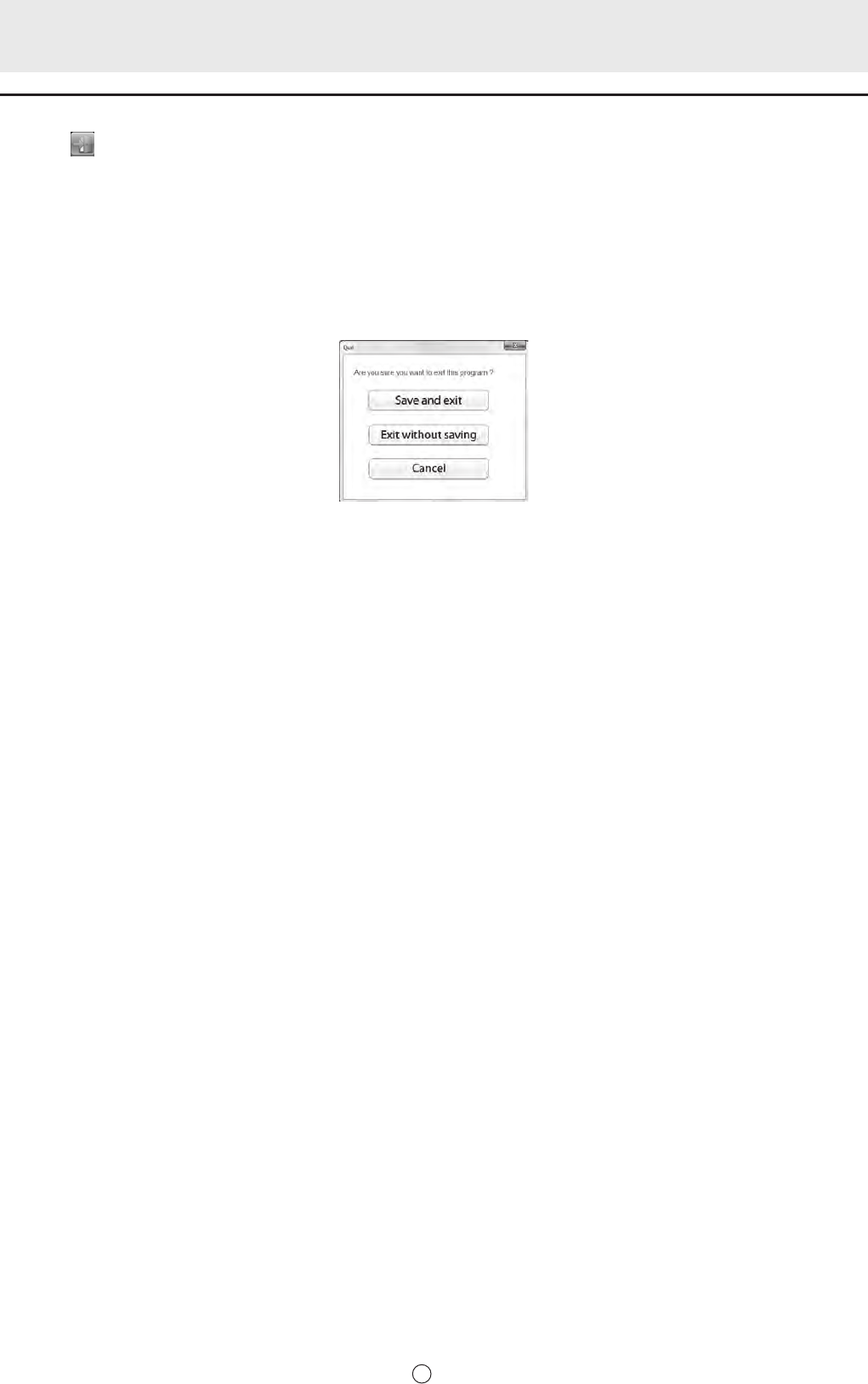
- Exiting the software 28
- Layout of Basic Screen 29
- Toolbar function buttons 30
- Saving and Opening a File 31
- Edit Operations 32
- Drawing with a Pen 34
- Erasing a drawn line 35
- Editing an object 36
- Undoing/redoing operation 38
- Deleting an object 38
- (Pen Software Printer Driver) 41
- In the multifunction machine 42
- Printing 43
- Customizing the Settings 44
- Installing the Pen Software 46
- Table des matières 48
- Mode tableau blanc 50
- Mode superposition 50
- Quitter le logiciel 51
- Conseils 52
- Sauvegarde des données 54
- Opérations d’édition 55
- Dessin avec un stylet 57
- Édition d’un objet 59
- Défaire/refaire l’opération 61
- Suppression d’un objet 61
- Impression 66
- Personnalisation des réglages 67
- Installation du Pen Software 69
- Introducción 72
- Modo de Pizarra 73
- Modo Superposición 73
- Saliendo del software 74
- CONSEJOS 75
- Guardando datos 77
- Operaciones de edición 78
- Dibujando con un lápiz 80
- Borrando una línea dibujada 81
- Edición de un objeto 82
- Deshacer/rehacer 84
- Borrando un objeto 84
- En el software 87
- En la máquina multifunción 88
- Impresión 89
- IMPORTANTE 90
- Instalación del Pen Software 92
- V2.0 10J(2) 94
Prodotti e manuali riguardandi no Sharp PN-L601B


 (76 pagine)
(13 pagine)
(76 pagine)
(13 pagine)
 (8 pagine) (1 pagine)
(4 pagine)
(16 pagine)
(8 pagine) (1 pagine)
(4 pagine)
(16 pagine)
 (36 pagine)
 (40 pagine)
(16 pagine)
(1 pagine)
(53 pagine)
(2 pagine)
(40 pagine)
(16 pagine)
(1 pagine)
(53 pagine)
(2 pagine)
 (40 pagine)
(4 pagine)
(14 pagine)
(16 pagine)
(1 pagine)
(60 pagine)
(2 pagine)
(40 pagine)
(4 pagine)
(14 pagine)
(16 pagine)
(1 pagine)
(60 pagine)
(2 pagine)
© 2020, manymanuals.it. Tutti i diritti riservati | 0.439 s |
 Manymanuals.com
 Manymanuals.de
 Manymanuals.fr
 Manymanuals.it
 Manymanuals.pl
 Manymanuals.cz
 Manymanuals.es
 Manymanuals-pt.com
Commenti su questo manuale