Sharp MX-C382SC Manuale Utente Pagina 8

  • Scaricare
  • Aggiungi ai miei manuali
  • Stampa
  • Pagina
    / 12
  • Indice
  • SEGNALIBRI
  • Valutato. / 5. Basato su recensioni clienti
Vedere la pagina 7
The MX-C382SC will help you keep
sensitive information safe, thanks
to robust multi-layered security that
works 24/7 to protect your data,
documents and network.
Password-controlled User
Authentication restricts access to
every major feature, preventing
inappropriate use, while a combination
of IP/MAC address fi ltering, SSL,
IEEE 802.1X compliance and IPsec
compatibility ensure end-to-end data
security with powerful protection
from all attempts to intercept data. In
addition, documents can be scanned
into a password-protected PDF format
to prevent them from being viewed by
unauthorised personnel.
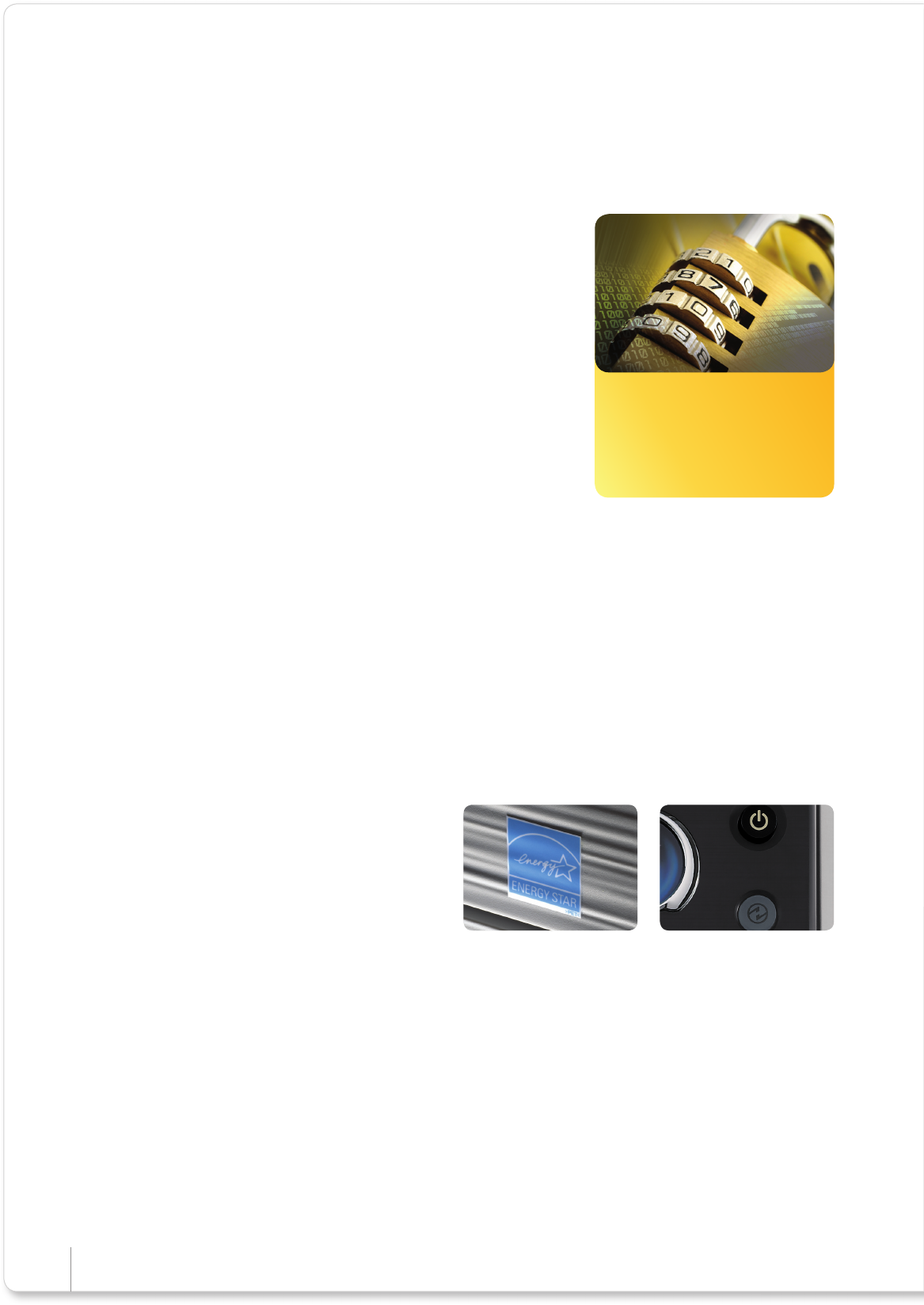
Security you can trust
The MX-C382SC comes with
multi-layered security to protect
your data, documents and
network.
The MX-C382SC has a hard disk as
standard which stores documents and
data. To safeguard this information
and for even greater security, choose
the optional Data Security Kit, which
encrypts and securely erases data from
the hard disk and internal memory, at
specifi ed intervals or on demand. This
kit also has a Document Control facility
to prevent unauthorised printing,
copying, scanning, faxing and fi ling,
limiting the potential for information
to be stolen.
Sharp has adopted a strict set of ‘Green Initiatives’ which
are applied not just to the MX-C382SC, but to everything
that we make. It’s a real and lasting commitment to
ensuring lower energy consumption, less waste and better
conservation of natural resources throughout the entire
product lifecycle.
In addition, the MX-C382SC, in common with Sharp’s other
award-winning MFPs, is Energy Star certifi ed and equipped
with leading-edge energy-saving technology which lets you
choose how quickly it should move into its power saving
mode when not in use. The power saving mode can also be
selected manually, at the touch of a button.
Supporting your environmental objectives
Energy Star certifi ed Power Save button
Sharp I MX-C382SC I Full Colour A4 MFP
Vedere la pagina 7
1 2 3 4 5 6 7 8 9 10 11 12

Commenti su questo manuale

Nessun commento