Sharp FO-K01 Specifiche
Navigare online o scaricare Specifiche per Telefoni Sharp FO-K01. Sharp FO-K01 Specifications Manuale Utente
- Pagina / 15
- Indice
- SEGNALIBRI

Sommario
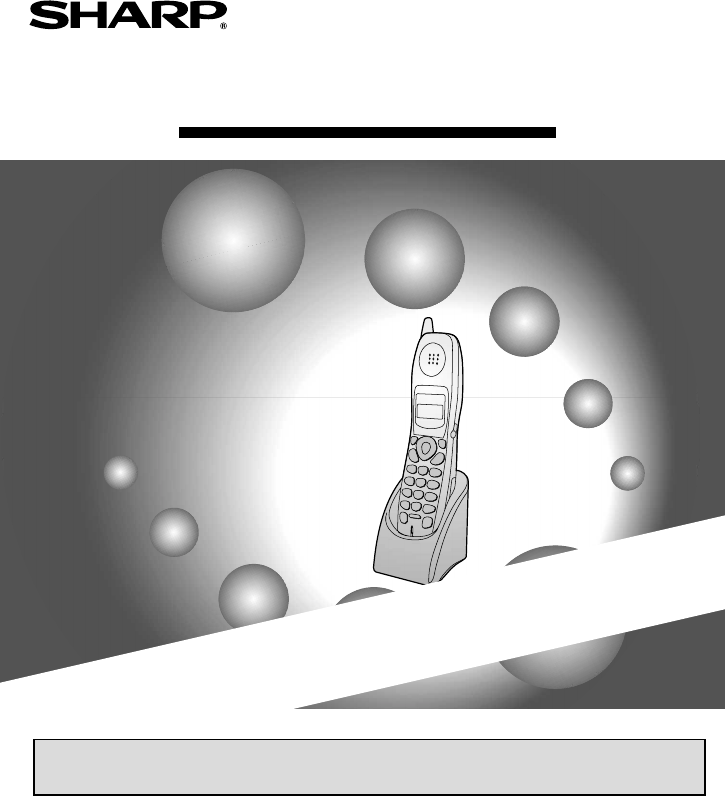
MODELFO-K012.4GHz Cordless HandsetCharge the battery for about 10 hours before initial use.OPERATION MANUAL Introduction Connecting the Cordless H
8The cordless handset is now ready to be used!For information on operating the cordless handset, see your FO-CC Series fax machine manual.MaintenanceR
9EnglishDeleting (changing) the cordless handset nameFollow the steps below if you need to delete the cordless handset name. If you wish to change the
10Deleting a cordless handsetIf you wish to stop using a cordless handset, follow these steps to delete it (cancel the registration in the fax machine
setup.fmPage11Tuesday,January28,200310:53AM
setup.fmPage12Tuesday,January28,200310:53AM
PRINTED IN THAILAND(TCADH3527XHZZ)SHARP CORPORATION OF AUSTRALIA PTY.LTD.A.C.N. 003 039 405 1 Huntingwood Drive, Huntingwood, Blacktown, N.S.W., 2148
1WARRANTYFacsimile ProductsCongratulations on Your Purchase!FOR THE SERVICING OF PRODUCTS PURCHASED INNEW ZEALANDCONTACT YOUR SELLING DEALER/RE
1English
2As a part of our policy of continuous improvement, SHARP reserves the right to make design and specification changes for product improvement without
3EnglishConnecting the Cordless Handset Charger1 Connect the AC adaptor to the cordless handset charger.2 Plug the AC adaptor into a standard 230 - 24
43 Place the cordless handset in the charger with the dial pad facing forward.• Important! The dial pad must face forward, or the battery will not cha
5EnglishRegistering the Cordless HandsetPLEASE REGISTERAfter the initial charging, the cordless handset display shows:To use the cordless handset, you
6The fax machine is identified by the number “0”, and the cordless handset that was included with the fax is identified by the number “1”.Entering a N
7English6 Enter the name by pressing number keys for each letter as shown in the chart below. Up to 10 characters can be entered.Example: BILL = 22 4
Prodotti e manuali riguardandi Telefoni Sharp FO-K01
 (94 pagine)
(14 pagine)
(94 pagine)
(14 pagine)
© 2020, manymanuals.it. Tutti i diritti riservati | 0.056 s |
 Manymanuals.com
 Manymanuals.de
 Manymanuals.fr
 Manymanuals.it
 Manymanuals.pl
 Manymanuals.cz
 Manymanuals.es
 Manymanuals-pt.com
Commenti su questo manuale