Sharp AR-810 Manuale Utente Pagina 14

  • Scaricare
  • Aggiungi ai miei manuali
  • Stampa
  • Pagina
    / 101
  • Indice
  • SEGNALIBRI
  • Valutato. / 5. Basato su recensioni clienti
Vedere la pagina 13
AR-651/810 TROUBLE SHOOTING 5 - 14
5.1.2 Paper misfeeding
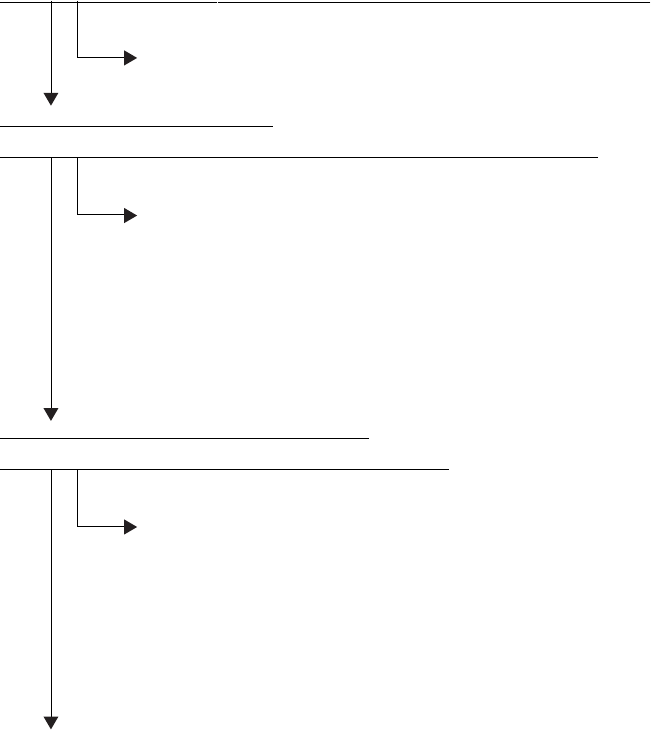
[E11] Misfeeding during duplex printing (paper not reaching the registration sensor)
Open the bypass unit cover. Is there any paper in front of the registration sensor?
YES
Remove the paper.
NO
Is the registration sensor working?
(Perform the input check in the test mode:03-[ENERGY SAVER]ON/[4]/[E])
NO
1. Check if the connector of the registration sensor is disconnected.
2. Check if the connector J341 on the LGC board is disconnected.
3. Check if the connector pins are disconnected and the harnesses are open-circuited.
4. Check if the conductor pattern on the LGC board is shor t- or open-circuited.
5. Replace the registration sensor.
6. Replace the LGC board.
YES
Is the reversed paper transport cluch working?
(Perform the output check in the test mode: 03-220, 221)
NO
1. Check if the connector of the reversed paper transpor t clutch is disconnected.
2. Check if the connector J334 on the LGC board is disconnected.
3. Check if the connector pins are disconnected and the harnesses are open-circuited.
4. Check if the conductor pattern on the LGC board is shor t- or open-circuited.
5. Replace the reversed paper transport clutch.
6. Replace the LGC board.
YES
Check the rollers in the reversed papaer transport section. Replace them if they are worn out.
Vedere la pagina 13
1 2 ... 9 10 11 12 13 14 15 16 17 18 19 ... 100 101

Commenti su questo manuale

Nessun commento