Sharp AR-C260 Manuale Utente Pagina 11

  • Scaricare
  • Aggiungi ai miei manuali
  • Stampa
Vedere la pagina 10
AR-BC320 TROUBLESHOOTING 11 - 11
Main
code
Sub
code
Title
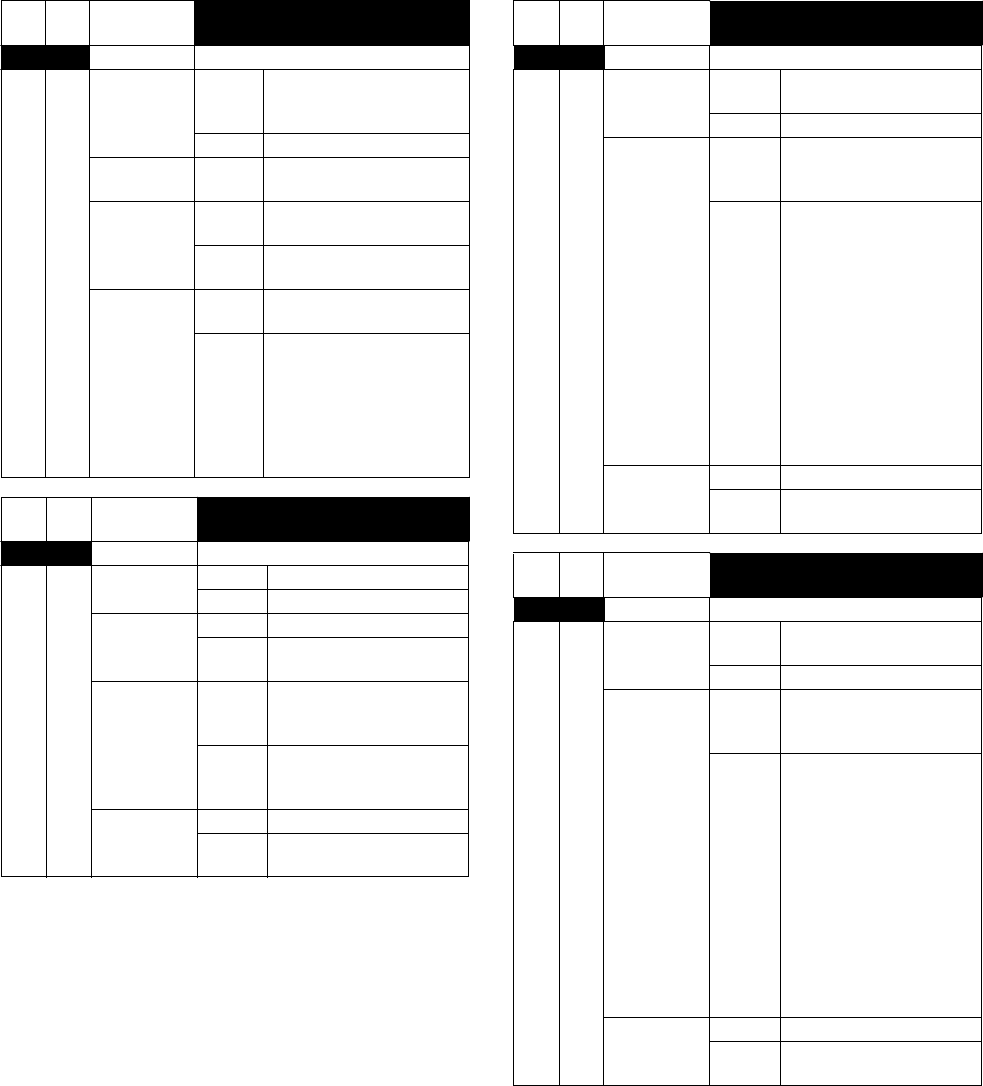
Automatic adjustment trouble of
the paper sensor in the sorter bin
F1 91 Display Lamp/Message
Phenomenon Detail Sensor output abnormality
when adjusting the sensor
detection level.
Section Sorter
Common Check Execute SIM 3-2 to check
the sensor output.
Case 1 Cause Trouble of the paper sensor
in the bin.
Check &
Remedy
Replace the paper sensor in
the bin.
Case 2 Cause Sorter controller PWB
trouble
Check &
Remedy
Replace the sorter
controller PWB, and
perform the sensor
sensitivity adjustment in the
bin and the guide bar motor
oscillation range
adjustment.
Main
code
Sub
code
Title
Process thermistor breakdown
F2 39 Display Lamp/Message
Phenomenon Detail Process thermistor open
Section Drum cartridge
Case 1 Cause Process thermistor trouble
Check &
Remedy
Replace the process
thermistor.
Case 2 Cause Disconnection of the
process thermistor
harness.
Check &
Remedy
Check connection of the
connector and the harness
of the process thermistor.
Case 3 Cause PCU PWB trouble
Check &
Remedy
Replace the PCU PWB.
Main
code
Sub
code
Title
Toner empty sensor abnormality
(Black)
F2 40 Display Lamp/Message
Phenomenon Detail Toner empty sensor output
abnormality
Section Cartridge
Case 1 Cause Connector harness
trouble, connector
disconnection
Check &
Remedy
1. Check connection of the
toner empty sensor.
Connect it properly.
2. Check connection of the
connector harness to
the PCU PWB.
Connect it properly.
3. Check connection of the
cartridge.
Connect it
properly.
4. Check for disconnection
of the harness.
Replace the harness.
Case 2 Cause Cartridge trouble
Check &
Remedy
Replace the cartridge.
Main
code
Sub
code
Title
Toner empty sensor abnormality
(Cyan)
F2 41 Display Lamp/Message
Phenomenon Detail Toner empty sensor output
abnormality
Section Cartridge
Case 1 Cause Connector harness
trouble, connector
disconnection
Check &
Remedy
1. Check connection of the
toner empty sensor.
Connect it properly.
2. Check connection of the
connector harness to
the PCU PWB.
Connect it properly.
3. Check connection of the
cartridge.
Connect it
properly.
4. Check for disconnection
of the harness.
Replace the harness.
Case 2 Cause Cartridge trouble
Check &
Remedy
Replace the cartridge.
Vedere la pagina 10
1 2 ... 6 7 8 9 10 11 12 13 14 15 16 ... 25 26

Commenti su questo manuale

Nessun commento