Sharp PC-A250 Manuale Utente Pagina 23
- Pagina / 32
- Indice
- SEGNALIBRI

- BVM-E250A / BVM-E170A 1
- BVM-F250A / BVM-F170A 1
- PVM-A250 / PVM-A170 / PVM-741 1
- – Evolution of Viewing Angles 2
- Reference Monitor 3
- Picture Monitor 3
- Super Top Emission Technology 4
- 24.5” panel* 16.5” panel* 4
- The TRIMASTER EL processor 5
- Accurate Color Reproduction 6
- Accurate Black Reproduction 6
- Consistency/Repeatability 7
- Stability 7
- OLED Master Monitor 8
- 2048 Image-slide 9
- S-LOG Gamma 9
- Gamut Error Display 9
- BVM Advanced Features 10
- 3D Signal Analyzing Functions 11
- Signal Analyzing Functions 11
- Convenient Features 12
- Status Display 13
- Marker settings 13
- Wide Variety of Functions 13
- “+12dB Chroma UP” function 14
- Ethernet-based remote control 14
- Other features 15
- Easy Setup and Adjustment 15
- OLED Picture Monitor 16
- Superb Black Performance 17
- Range of User Applications 18
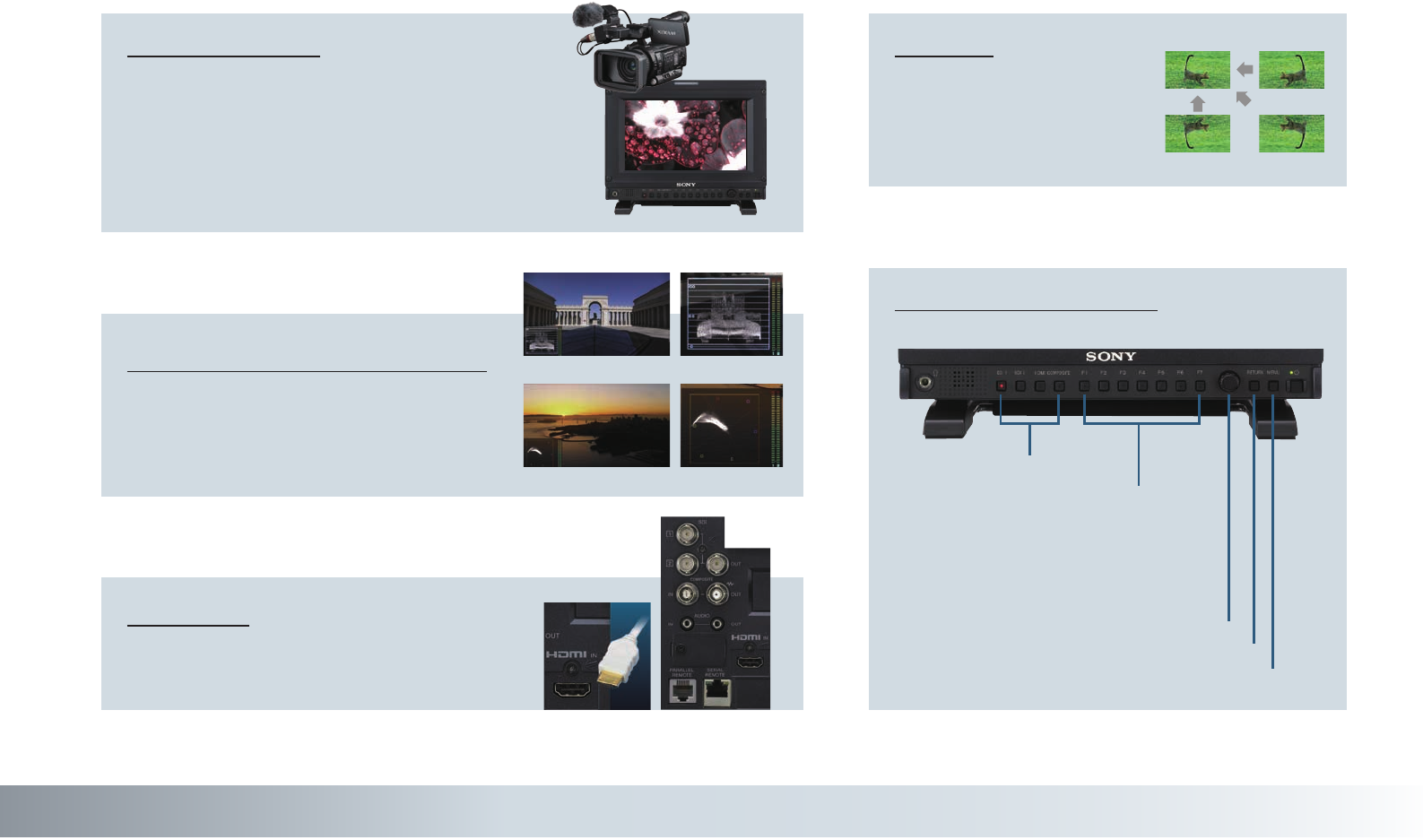
- Input Versatility 18
- Auto White Adjustment* 19
- Camera Focus Function 19
- Picture & Picture* 20
- Grid Display* 20
- Anamorphic Image Conversion* 20
- On-screen tally (lower) 21
- Up-converted image 21
- On-screen tally (upper) 21
- SD image 21
- PVM-741 features 22
- Flip function 23
- Input versatility 23
- Specifications 26
- Dimensions 30
- PVM-A250 31
- PVM-A170 31
Prodotti e manuali riguardandi Notebook Sharp PC-A250

 (83 pagine)
(2 pagine)
(68 pagine)
(68 pagine)
(114 pagine)
(125 pagine)
(4 pagine)
(68 pagine)
(83 pagine)
(2 pagine)
(68 pagine)
(68 pagine)
(114 pagine)
(125 pagine)
(4 pagine)
(68 pagine)
 (160 pagine)
 (33 pagine)
(82 pagine)
(68 pagine)
(107 pagine)
(89 pagine)
(93 pagine)
(97 pagine)
(53 pagine)
(160 pagine)
(48 pagine)
(120 pagine)
(33 pagine)
(82 pagine)
(68 pagine)
(107 pagine)
(89 pagine)
(93 pagine)
(97 pagine)
(53 pagine)
(160 pagine)
(48 pagine)
(120 pagine)
© 2020, manymanuals.it. Tutti i diritti riservati | 0.038 s |
 Manymanuals.com
 Manymanuals.de
 Manymanuals.fr
 Manymanuals.it
 Manymanuals.pl
 Manymanuals.cz
 Manymanuals.es
 Manymanuals-pt.com
Commenti su questo manuale