Sharp MX-2301N Specifiche Pagina 55: Punching holes in output (Punch)
 1
 2
 3
 4
 5
 6
 7
 8
 9
 10
 11
 12
 13
 14
 15
 16
 17
 18
 19
 20
 21
 22
 23
 24
 25
 26
 27
 28
 29
 30
 31
 32
 33
 34
 35
 36
 37
 38
 39
 40
 41
 42
 43
 44
 45
 46
 47
 48
 49
 50
 51
 52
 53
 54
 55
 56
 57
 58
 59
 60
 61
 62
 63
 64
 65
 66
 67
 68
 69
 70
 71
 72
 73
 74
 75
 76
 77
 78
 79
 80
 81
 82
 83
 84
 85
 86
 87
 88
 89
 90
 91
 92
 93
 94
 95
 96
 97
 98
 99
 100
 101
 102
 103
 104
 105
 106
 107
 108
 109
 110
 111
 112
 113
 114
 115
 116
53
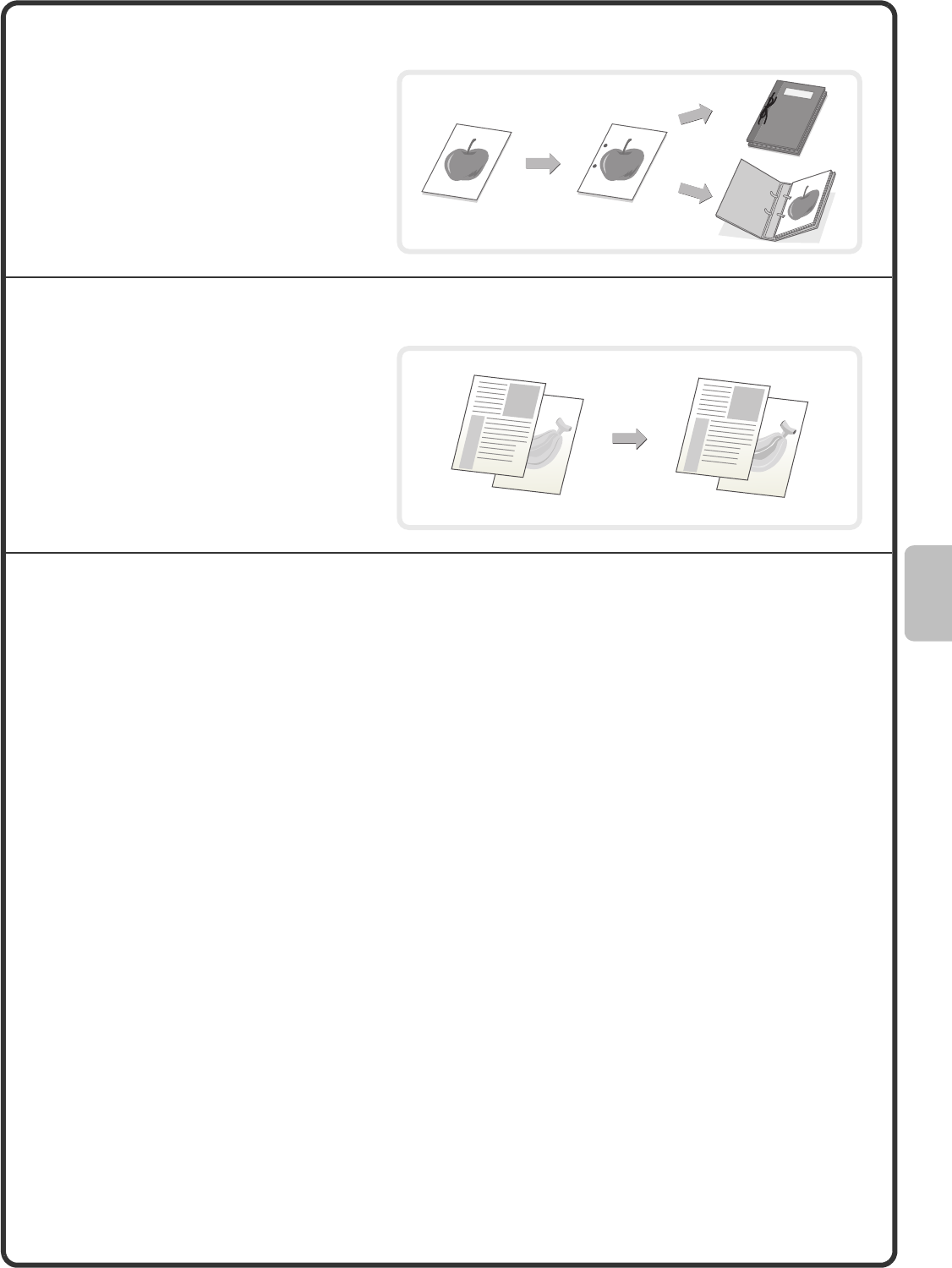
Punching holes in output (Punch)
Printing a colour image in greyscale (Black and White Print)
The machine also has these functions
For information on each of these functions, see "CONVENIENT PRINTING FUNCTIONS" in "3. PRINTER" in the
Operation Guide.
Convenient functions for creating pamphlets and posters
• Creating a pamphlet (Pamphlet)
• Increasing margin (Margin Shift)
• Creating a large poster (Poster Printing)
Functions to adjust the size and orientation of the image
• Rotating the image 180 degrees (Rotate 180 degrees)
• Enlarging/reducing the print image (Zoom / XY-Zoom)
• Adjusting line widths when printing (Line Widths Settings)
• Reversing the image (Mirror Image)
Colour mode adjustment function
• Adjusting the brightness and contrast of the image (Colour Adjustment)
• Printing faint text or lines in black (Text To Black/Vector To Black)
• Selecting colour settings to match the image (Advanced Colour)
Functions to combine text and images
• Adding a watermark to printed pages (Watermark)
• Printing an image over the print data (Image Stamp)
• Creating overlays for print data (Overlays)
Print functions for special purposes
• Printing specified pages on different paper (Different Paper)
• Adding inserts when printing on transparency film (Transparency Inserts)
• Printing a carbon copy (Carbon Copy)
• Printing text on tabs of tab paper (Tab Printing)
• Printing so that a specific page is the front page when using two-sided printing (Chapter Inserts)
Convenient printer functions
• Using two machines to print a large print job (Tandem Print)
• Saving and using print files (Retention/Document Filing)
Use this function to punch holes in output.
(When a punch module and finisher are
installed.)
Use this function to print colour images in
greyscale.
This lets you save colour toner when
colour printing is not necessary, such as
when you only need to check the contents
of a document.
File PDF · ·
Domande su Sharp MX-2301N
Non ci sono ancora domande su questo manuale. Fate la prima.
Prodotti e manuali riguardanti Apparecchi multifunzione Sharp MX-2301N
- Apparecchi multifunzione Sharp MX-4101N Specifiche
 (76 pagine)
- Apparecchi multifunzione Sharp JW-20FLT Manuale Utente
(197 pagine)
- Apparecchi multifunzione Sharp MX-C381 Specifiche
(148 pagine)
- Apparecchi multifunzione Sharp MX-M260 Manuale Utente
 (160 pagine)
- Apparecchi multifunzione Sharp MX-4101N Specifiche
(12 pagine)
- Apparecchi multifunzione Sharp MX-M564N Manuale Utente
(8 pagine)
- Apparecchi multifunzione Sharp MX-M564N Manuale Utente
(8 pagine)
- Apparecchi multifunzione Sharp CPD-3830 Manuale Utente
(1 pagine)
- Apparecchi multifunzione Sharp MX-2010U Manuale Utente
(12 pagine)
- Apparecchi multifunzione Sharp MX-B381 Manuale Utente
(12 pagine)
- Apparecchi multifunzione Sharp MX-7500N Manuale Utente
(30 pagine)
- Apparecchi multifunzione Sharp AL-2021 Specifiche
(91 pagine)
- Apparecchi multifunzione Sharp MX-B402 Manuale Utente
(50 pagine)
- Apparecchi multifunzione Sharp FO-155 Specifiche

 (165 pagine)
- Apparecchi multifunzione Sharp MX-4140N Manuale di Installazione
(19 pagine)
- Apparecchi multifunzione Sharp JW-50FL Manuale Utente
(201 pagine)
- Apparecchi multifunzione Sharp MX-4140N Manuale Utente
(12 pagine)
- Apparecchi multifunzione Sharp CPD-3830 Manuale Utente
(12 pagine)
- Apparecchi multifunzione Sharp CD600 - B/W - Fax Manuale Utente
(23 pagine)
- Apparecchi multifunzione Sharp AR-810 Manuale delle Istruzioni
(178 pagine)